Apps & Software.
Practical guides for popular apps, software, tools and everyday programs.
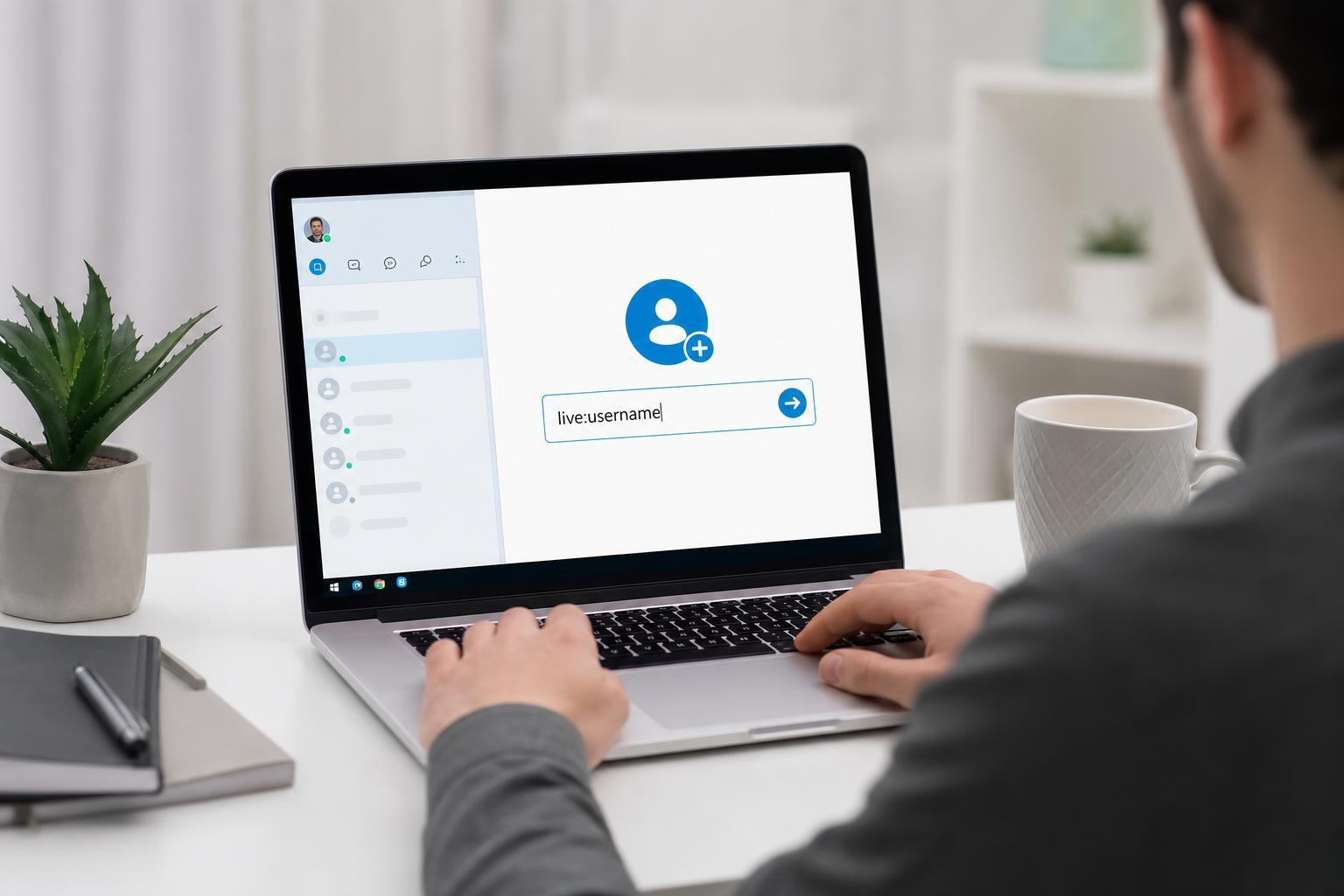
How to Add a Contact on Skype Using a Skype Live ID
Learn how to add someone on Skype using a Skype Live ID, what information you need, and what to do if the person does not appear in search results.
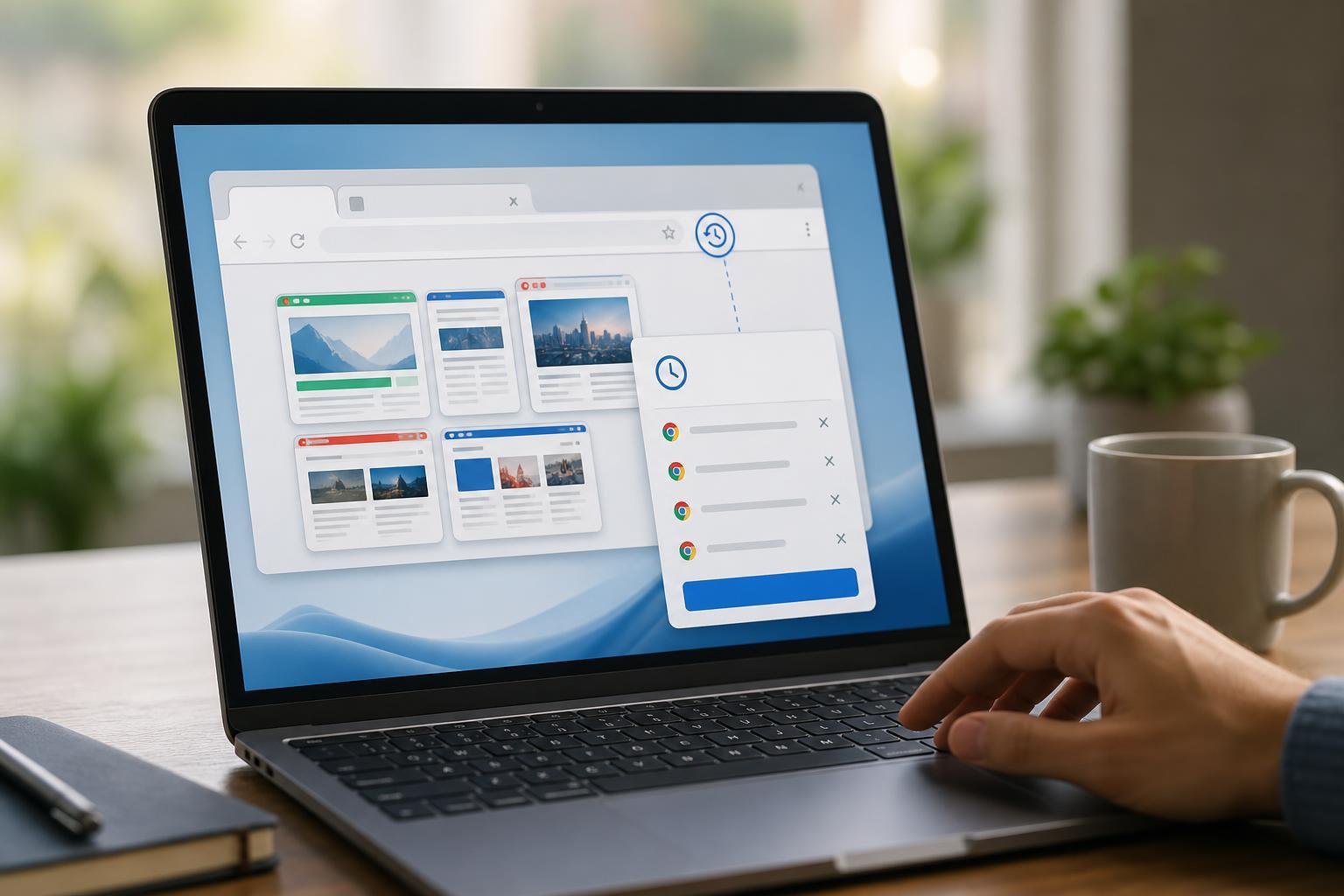
Saving Chrome Tabs Before You Close the Browser and Recovering Lost Tabs
Learn how to save your open tabs before closing Chrome and how to restore tabs, windows, and browsing sessions if you closed them by mistake.
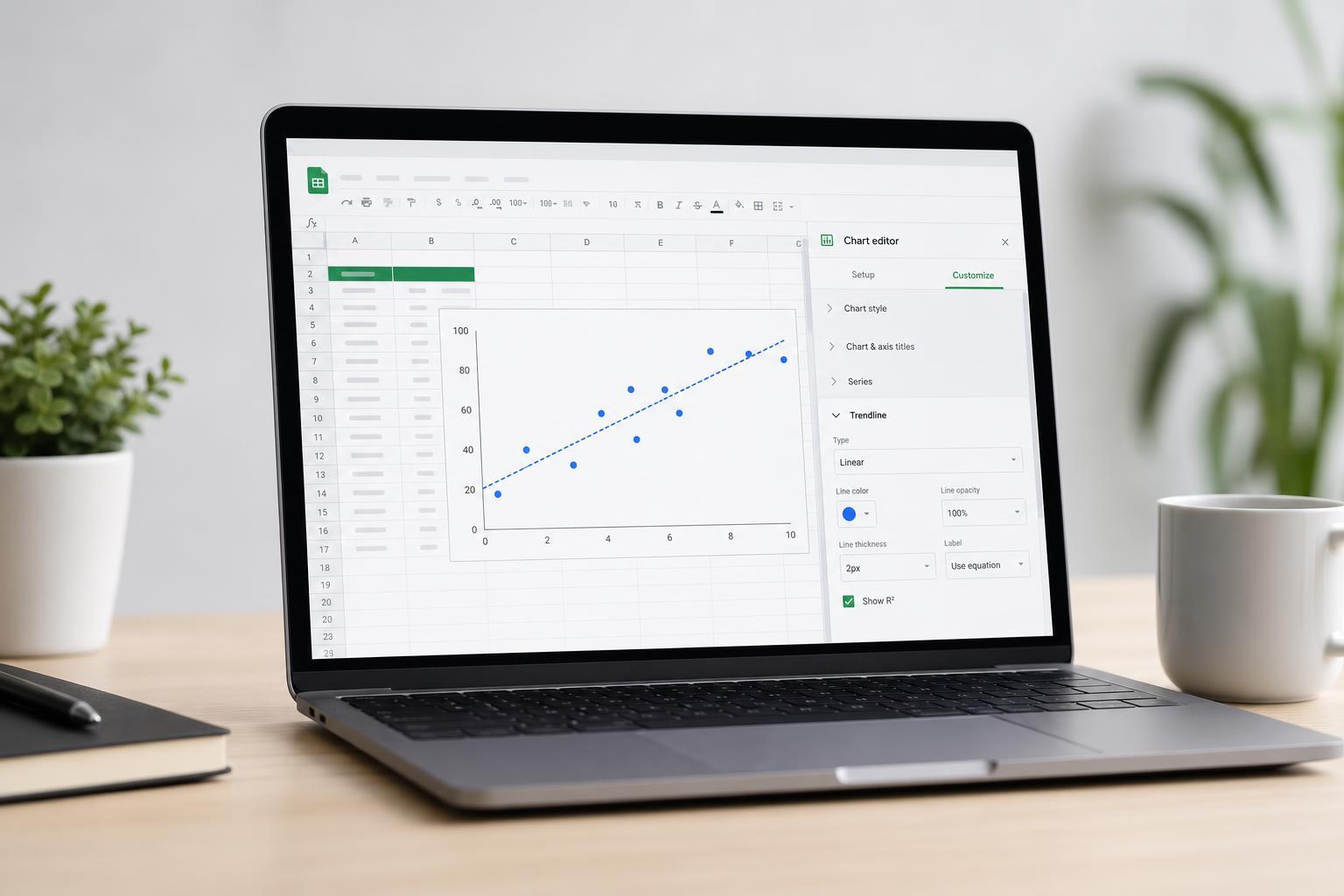
Add and Customize a Trendline in Google Sheets Charts
Learn how to add a trendline to a Google Sheets chart, choose the right trendline type, and customize its appearance and settings for clearer data analysis.

Why Office Apps Keep Resetting Their Settings When You Close Them
Learn why Microsoft Office apps may reset their settings on exit and how to fix issues with saved preferences, add-ins, profiles, permissions, and corrupted Office files.
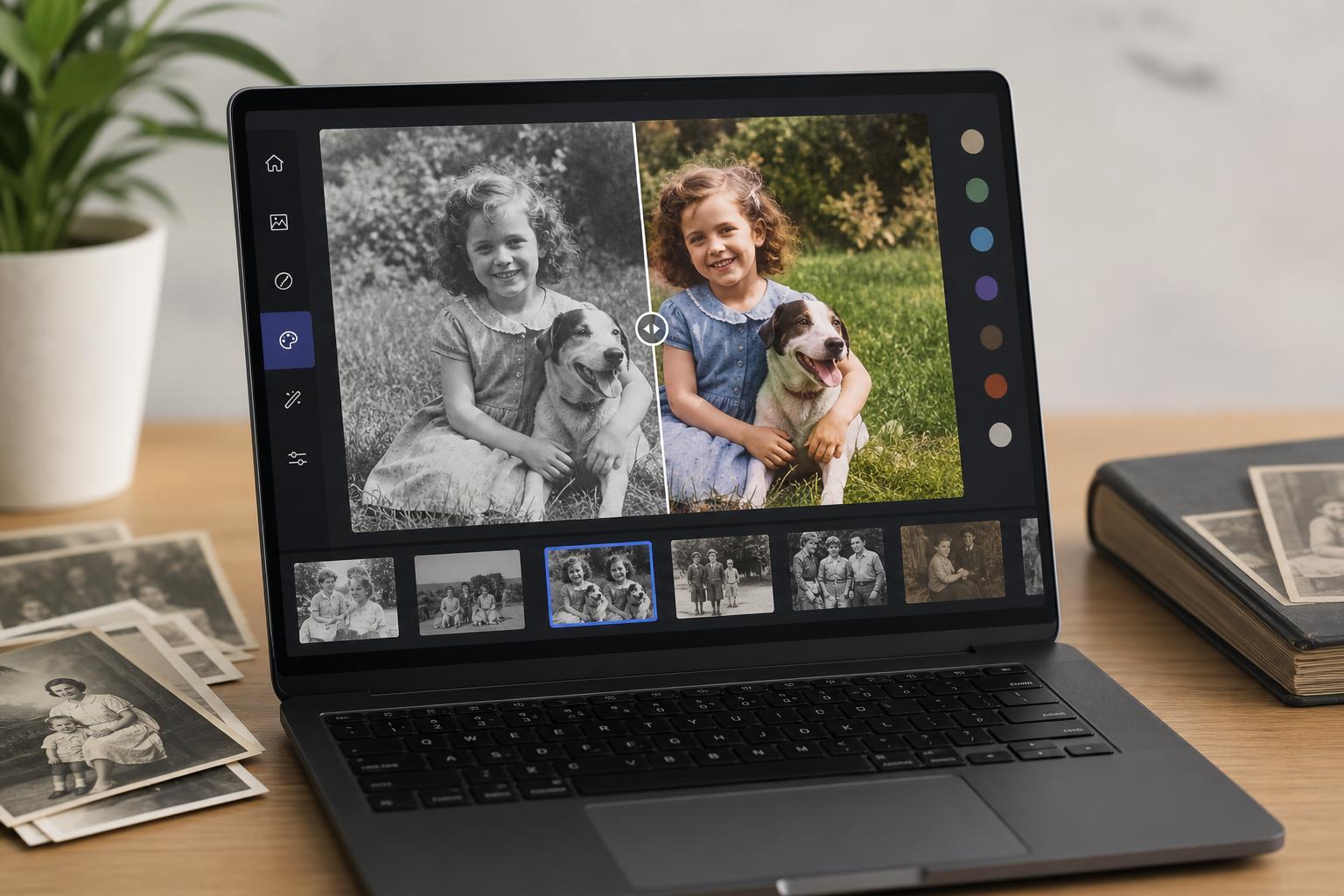
7 Free Online Tools for Colorizing Black-and-White Photos
Discover seven free online tools that can convert black-and-white photos to color, with notes on quality, ease of use, privacy, and best use cases.
How to Fix a Full Outlook Mailbox and Free Up Space
Learn what to do when your Outlook mailbox is full, including how to find what is using space, delete or archive messages, manage large attachments, and prevent the problem from coming back.
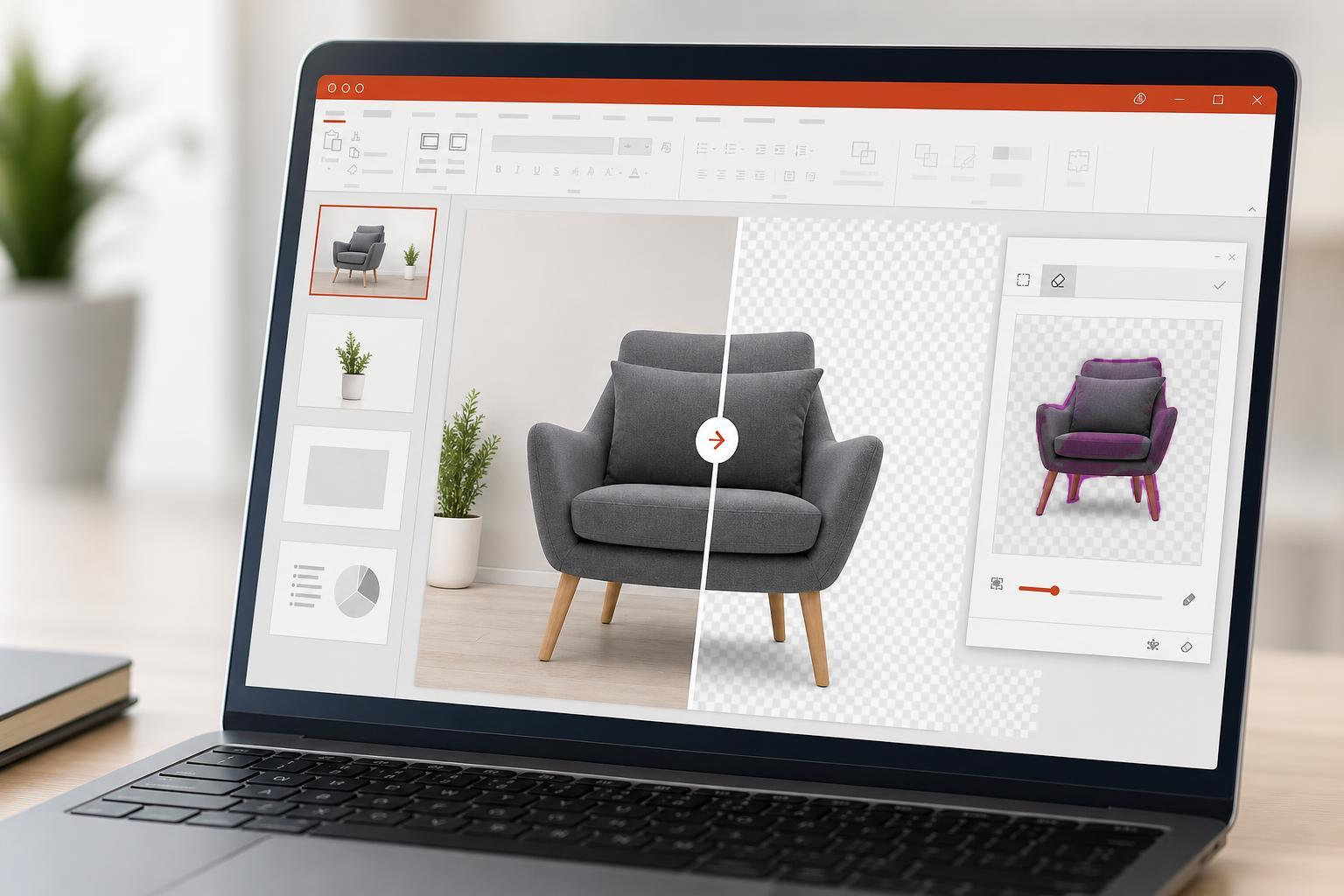
Removing a Picture Background in PowerPoint
Learn how to remove the background from an image in PowerPoint using the built-in Background Removal tool, plus how to refine the result when PowerPoint misses part of the subject.
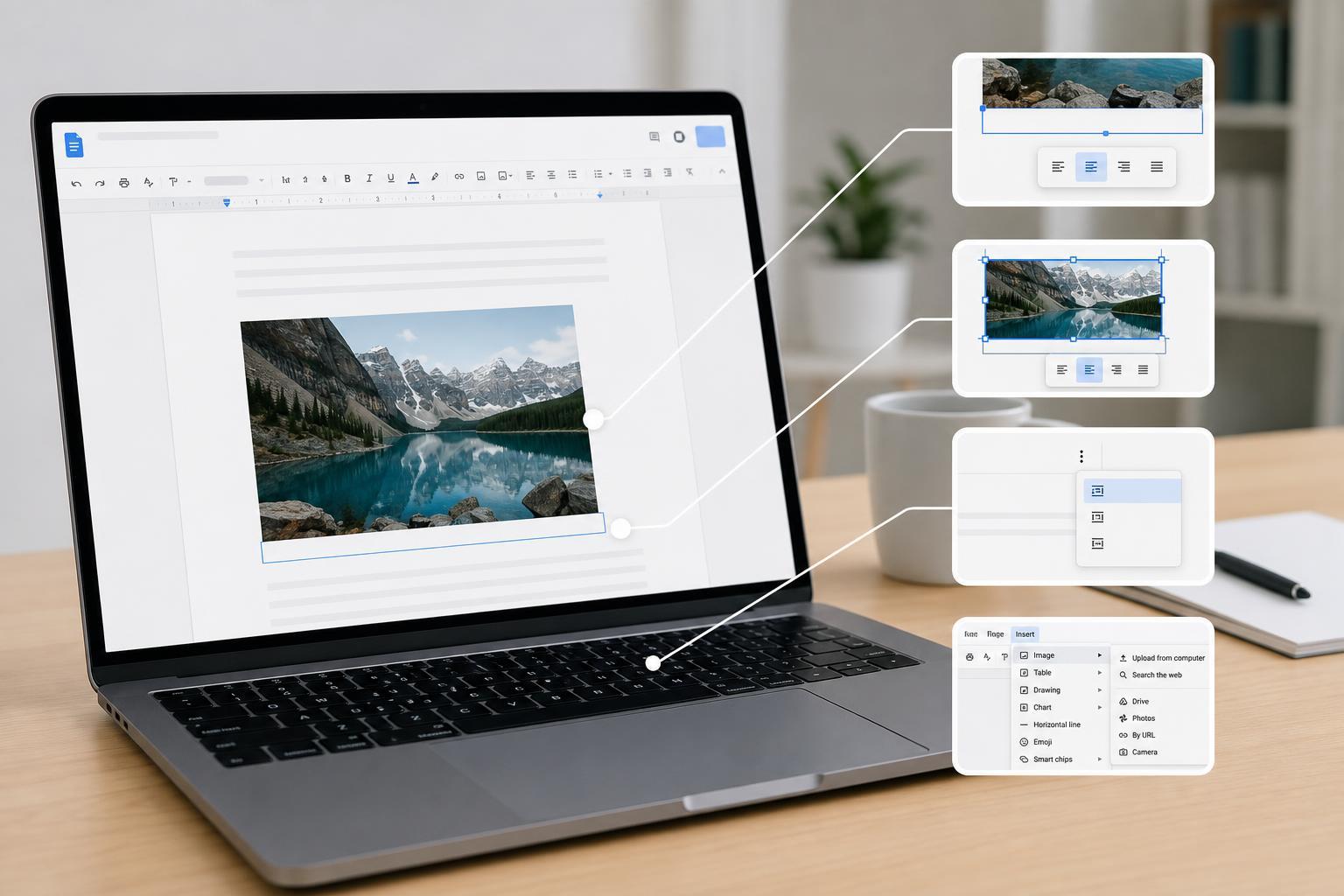
4 Easy Ways to Add Captions to Images in Google Docs
Learn four practical ways to add captions to images in Google Docs, including workarounds for tables, drawings, text boxes, and inline text.
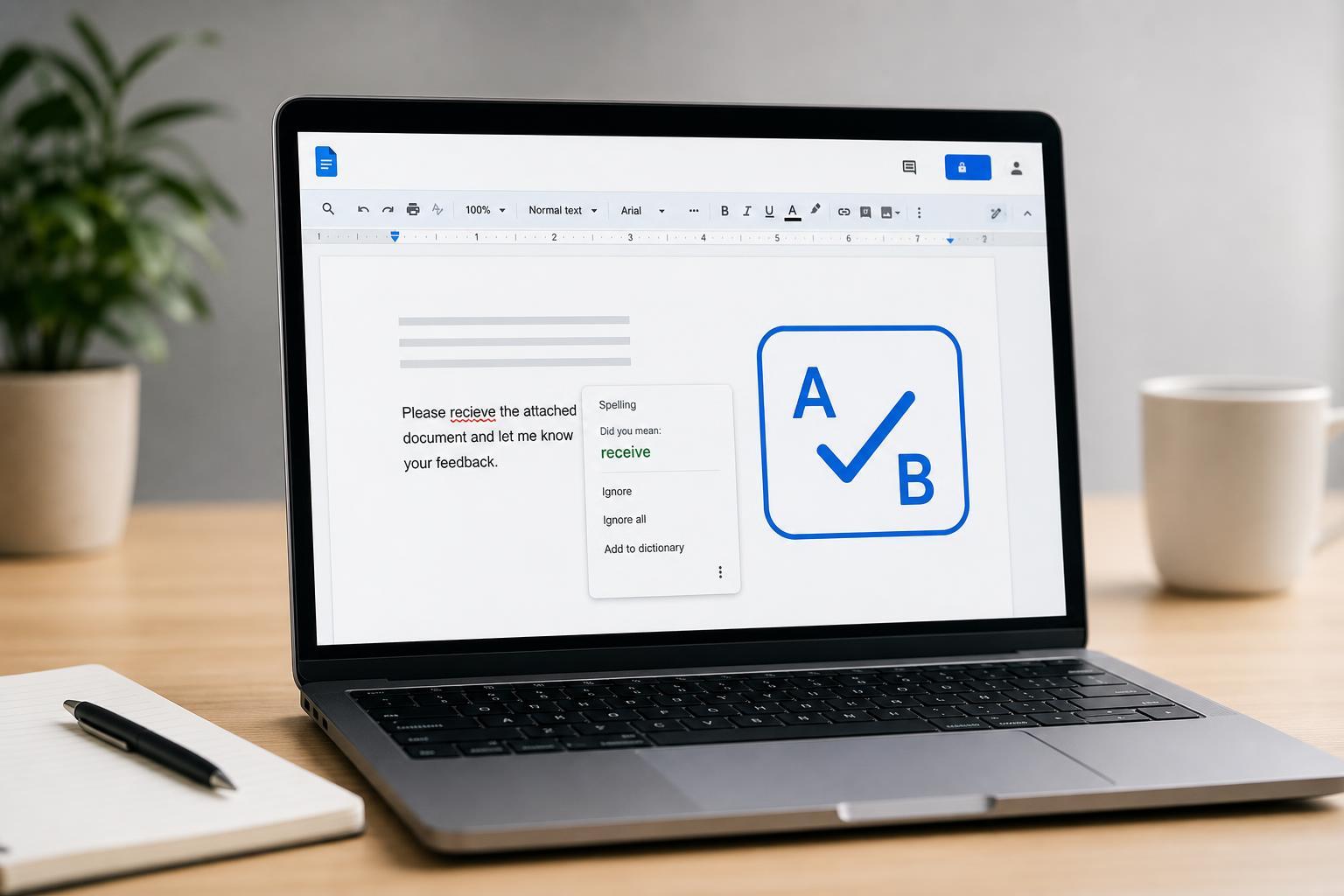
3 Reliable Ways to Fix Spell Check in Google Docs When It Stops Working
Learn three practical ways to fix spell check in Google Docs when misspellings are not being flagged, including browser settings, document language checks, and troubleshooting steps.
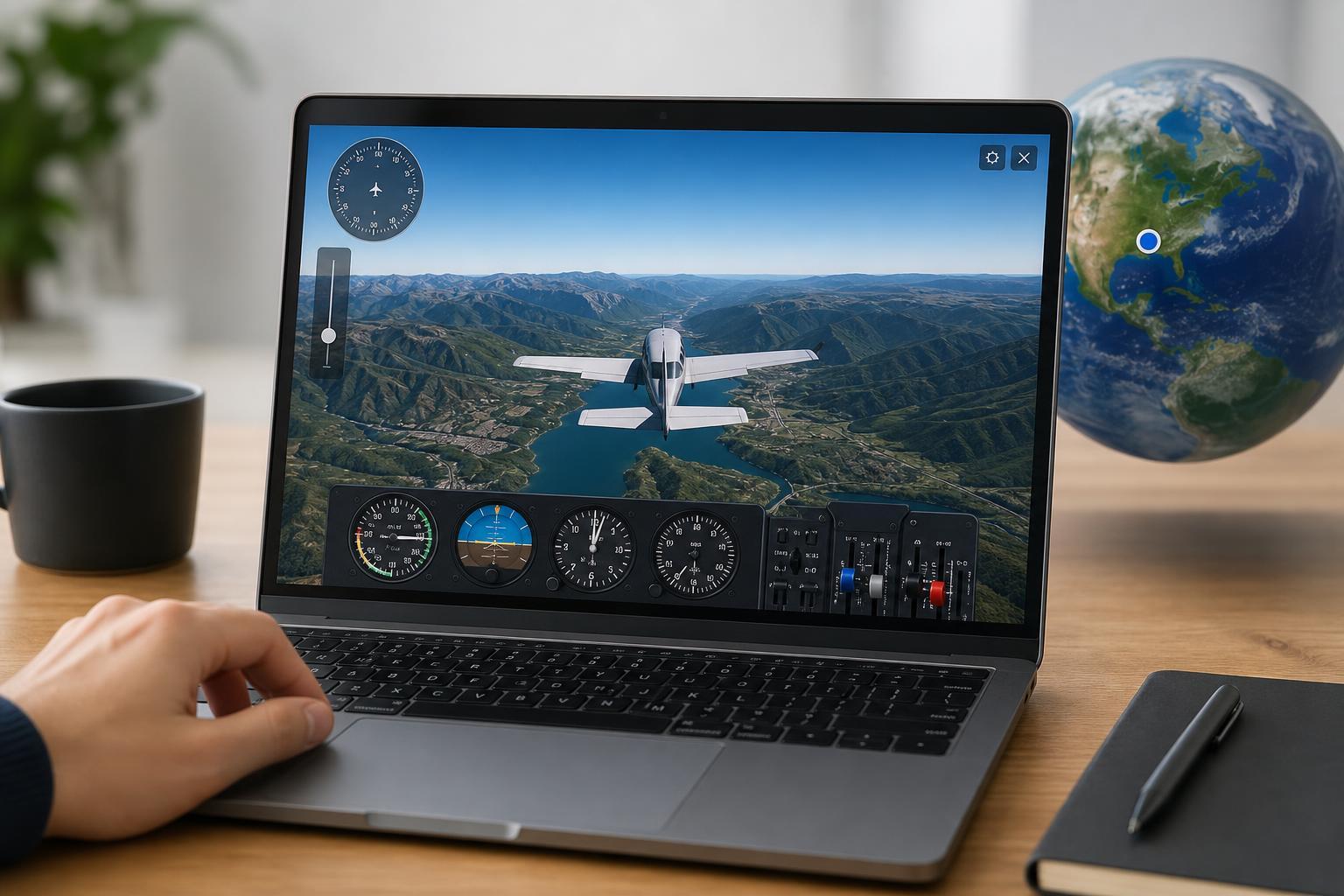
Flying Google Earth’s Hidden Flight Simulator: How to Use It
Learn how to open and control the Flight Simulator in Google Earth, including the keyboard shortcuts, plane choices, and basic controls you need to start flying.
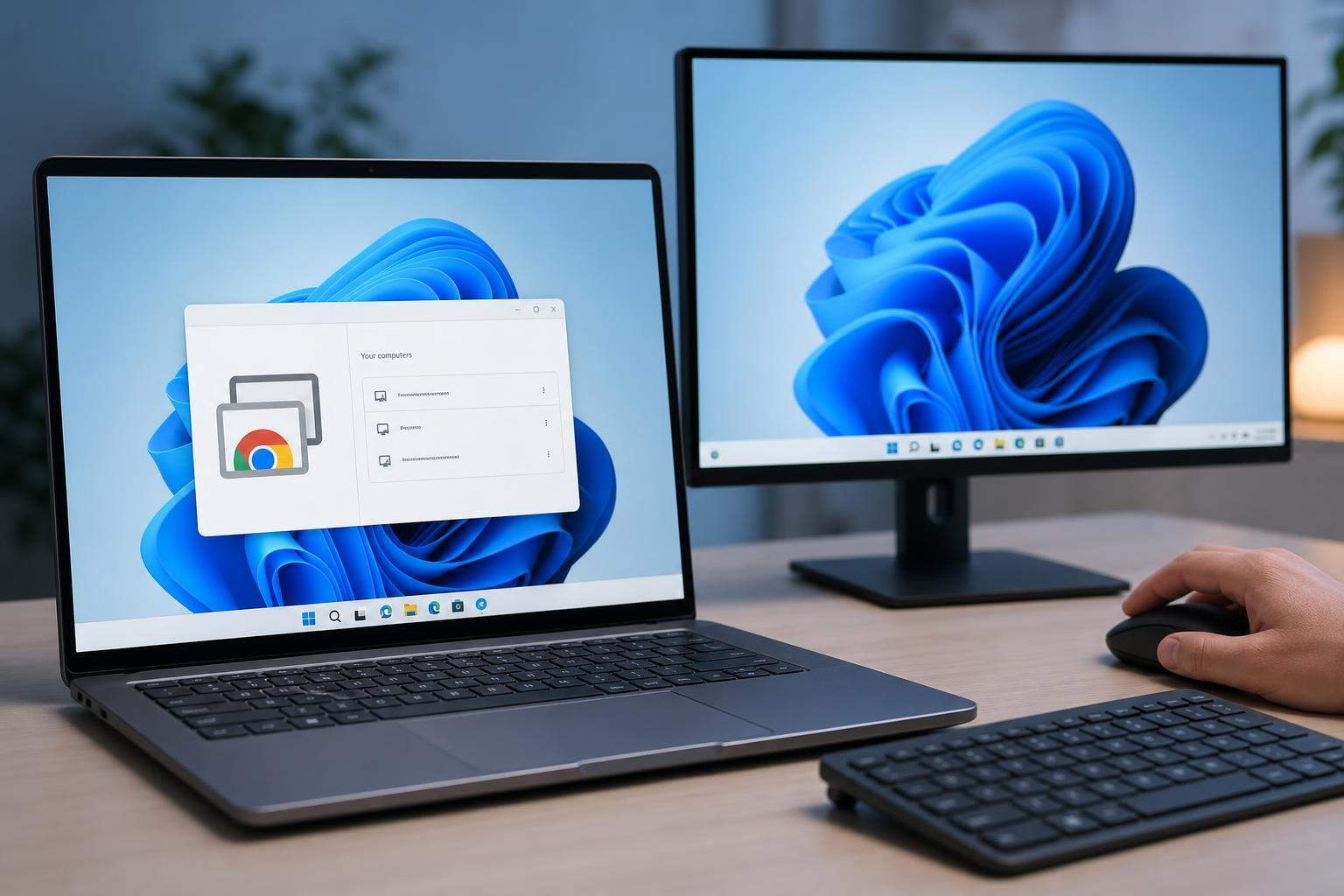
Setting Up and Using Chrome Remote Desktop on Windows 11
Learn how to install, configure, and use Google Chrome Remote Desktop on Windows 11 for secure remote access to your PC from another device.
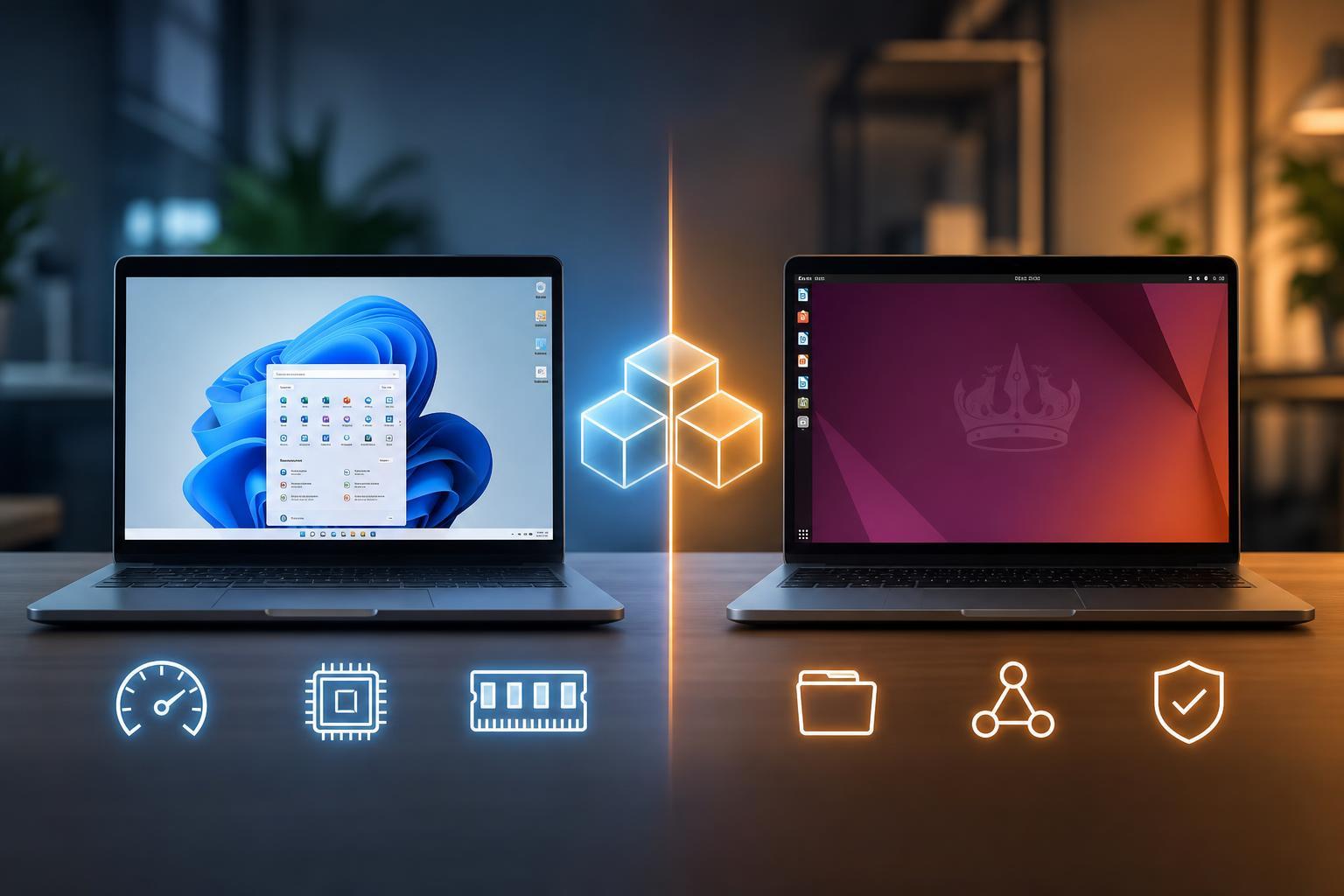
Virtual Machine Showdown: Performance, Features, and the Best Uses for Each
Compare popular virtual machines by speed, features, and ideal use cases so you can choose the right VM platform for Windows, Linux, testing, gaming, and development.