
Android
Turn On and Use Song Lyrics in YouTube Music
Explore Topics.
More Guides.
 Windows
Why an AMD GPU Driver Can Show as Disabled After an Update
Learn why an AMD GPU driver may appear disabled after a Windows or Radeon update, how to check the cause, and the safest ways to restore normal graphics driver function. ↗
 Windows
Fixing Copilot Issues in Microsoft Office Apps
Learn how to troubleshoot Copilot when it is not working in Microsoft Word, Excel, PowerPoint, and other Microsoft Office apps, including license checks, sign-in issues, updates, and app settings. ↗
 Apps & Software
Split Text into Columns in Google Sheets: A Step-by-Step Guide
Learn how to use Split text to columns in Google Sheets to separate names, dates, emails, and other data into multiple columns using delimiters or fixed rules. ↗
 Apps & Software
How to Make Cool AI Images with Bing Image Creator
Learn how to use Bing Image Creator to generate AI images, write effective prompts, adjust your results, and improve the quality of the images you create. ↗
 Internet & Social
How to Fix a Wi-Fi Connection That Keeps Dropping
Learn the most likely reasons Wi-Fi keeps disconnecting and the practical fixes to stabilize your connection on Windows, laptops, and home networks. ↗
 Android
6 Practical Fixes for Keyboard Typing Lag on Android
Learn the most effective ways to fix slow, delayed keyboard typing on Android, from clearing app problems and reducing resource use to updating your keyboard and phone software. ↗
 Windows
How to Fix the “DLL Is Not Designed to Run on Windows” Error
Learn what causes the “DLL is not designed to run on Windows” error and how to fix it with practical steps, from checking file compatibility to repairing system files and reinstalling the affected program. ↗
 Windows
5 Fixes for Microsoft Solitaire Collection Not Working on Windows 11
Learn five practical ways to fix Microsoft Solitaire Collection when it stops opening, crashing, freezing, or failing to load on Windows 11. ↗
 Windows
Turn Off the User Account Control Prompt in Windows 11
Learn how to disable the User Account Control popup in Windows 11, what the setting does, and the security trade-offs to consider before turning it off. ↗
More to Read.
 Android
Fixing Google Play Store When It Won’t Work on Mobile Data
Learn how to fix Google Play Store problems on mobile data, including download restrictions, app settings, carrier issues, and network troubleshooting steps that can restore access. ↗
 Windows
How to Fix “The Operation Failed” Error in Microsoft Outlook for Windows
Learn practical fixes for the Microsoft Outlook for Windows “The operation failed” error, including account issues, add-ins, profiles, permissions, and repair steps. ↗
 Windows
The 3 Best Ways to Find and Remove Malware in Windows 11
Learn three effective ways to detect and remove malware in Windows 11, including Microsoft Defender, offline scanning, and trusted third-party tools. ↗
 Windows
How to Turn Off Windows Defender Completely in Windows
Learn five practical ways to disable Windows Defender in Windows, including temporary and permanent options, plus the risks and when each method makes sense. ↗
 iPhone & iPad
7 Fixes for an iPhone 15 Pro Action Button That Won’t Work
Learn the most effective ways to troubleshoot an iPhone 15 Pro Action Button that is not responding, including settings checks, accessibility conflicts, software fixes, and hardware troubleshooting. ↗
 Apps & Software
Adding PDF and EPUB eBooks to Google Play Books
Learn how to upload PDF and EPUB files to Google Play Books, sync them across your devices, and fix common upload or reading issues. ↗
 Gadgets
How to Fix a Fire TV Stick That Has No Picture
Learn five practical ways to troubleshoot a Fire TV Stick when the TV has sound but no image, including cable checks, input settings, power issues, resolution problems, and device resets. ↗
 Windows
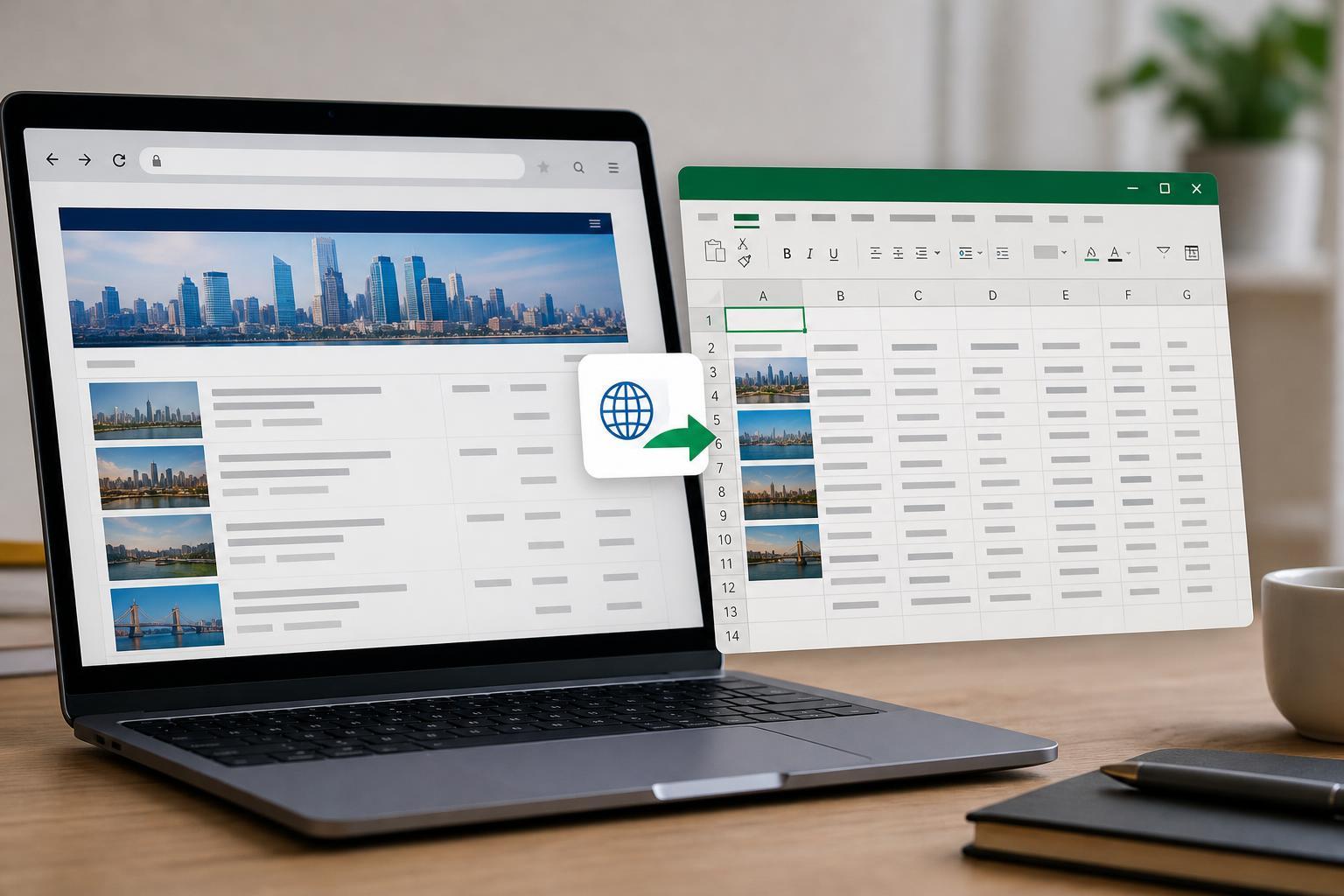
Importing Web Data into Microsoft Excel: A Practical Guide
Learn how to bring tables, lists, and other data from websites into Microsoft Excel using built-in import tools, refreshable queries, and best practices for cleaning and updating web data. ↗
 Windows
Updating DirectX on Windows 11: What You Need to Know
Learn how DirectX updates work on Windows 11, how to check your current version, and the safest ways to get the latest DirectX components for games and apps. ↗
All the Latest.
01
4 Ways to Blur Part of a Picture on Mac
↗
02
How to Reset or Change a Forgotten Discord Password: 4 Practical Methods
↗
03
11 Ways to Fix a Windows 10 Start Menu That Won’t Open
↗
04
Sharing Your Screen in Google Meet on iPhone and iPad
↗
05
Fixing Missed Call Notifications Not Showing on Android
↗
06
Add a One-Click Print to PDF Button in Microsoft Excel on Windows 11
↗
07
How to Turn Off “Suggested for You” Posts on Facebook
↗
08
4 Hidden Easter Eggs You Can Find in Windows 11 and How to Open Them
↗
09
How to Add More Fonts in Google Docs: 2 Easy Methods
↗
10
Setting Up a LinkedIn Company Page: A Step-by-Step Guide
↗
11
How to Stop Deleted Photos from Reappearing on iPhone
↗
12
How to Troubleshoot the Samsung Notes App When It Stops Working
↗
13
How to Fix Outlook Opening in a Browser Instead of the Desktop App
↗