Apps & Software.
Practical guides for popular apps, software, tools and everyday programs.
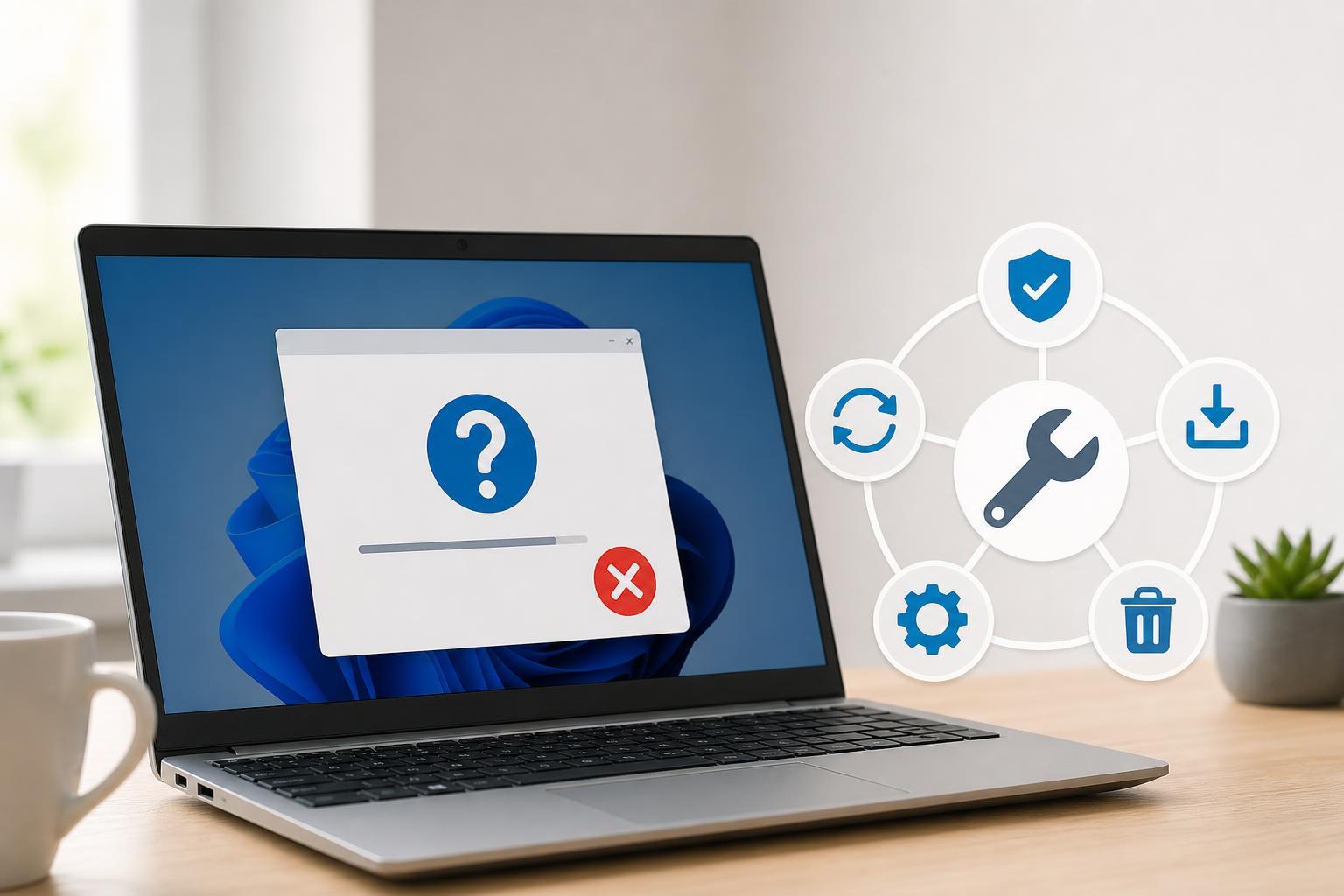
5 Ways to Fix HP Support Assistant When It Won’t Install
Learn why HP Support Assistant may fail to install and try five practical fixes, from removing old versions to checking Windows services and permissions.
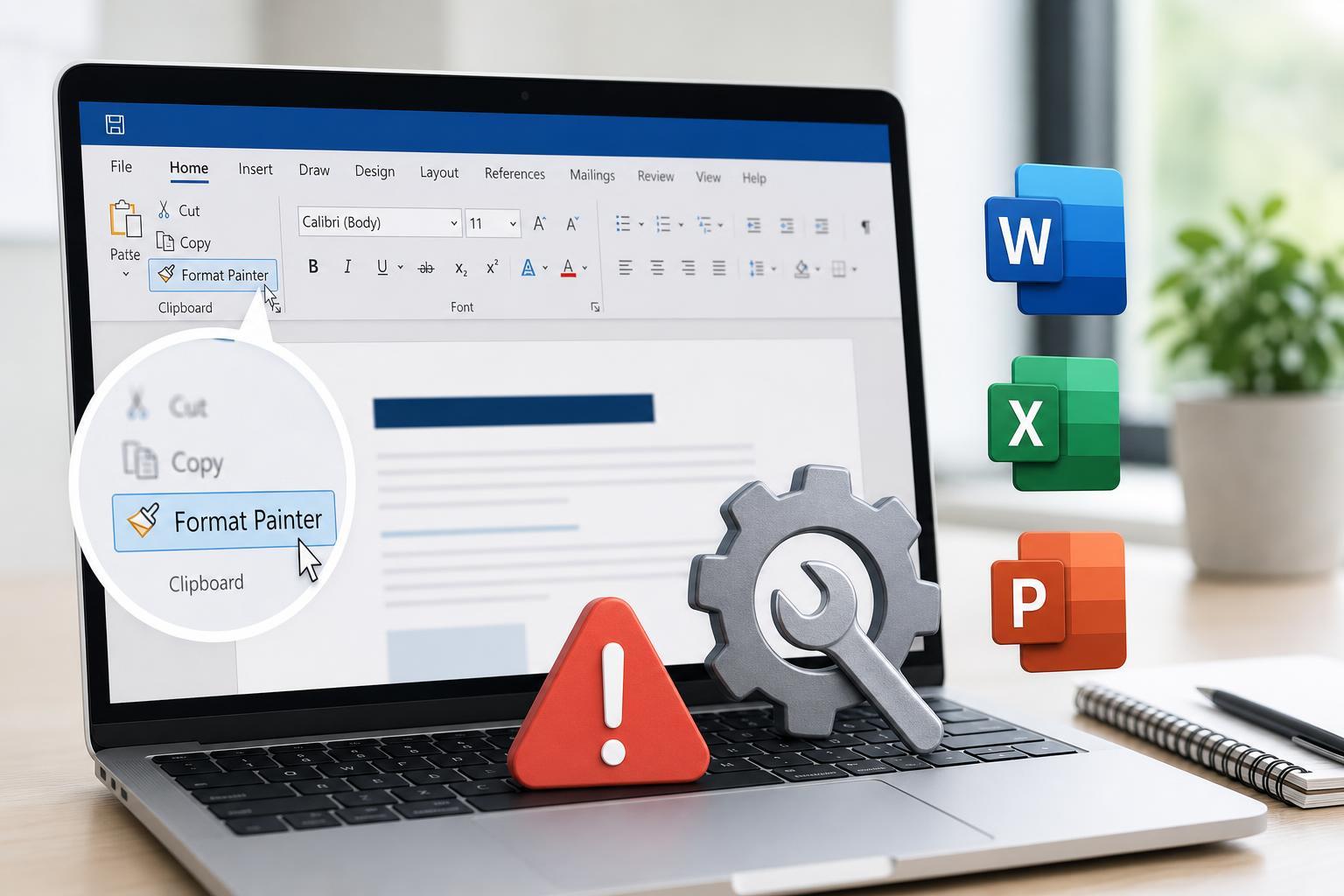
Fixing Format Painter in Microsoft Office When It Stops Working
Learn why Format Painter may stop working in Microsoft Office and follow practical fixes for Word, Excel, and PowerPoint to get it working again.

Why the Microsoft Teams Banner Sparked So Much Backlash
Learn why the Microsoft Teams banner caused frustration, what users thought it meant, and how Microsoft’s branding and messaging choices fueled the reaction.
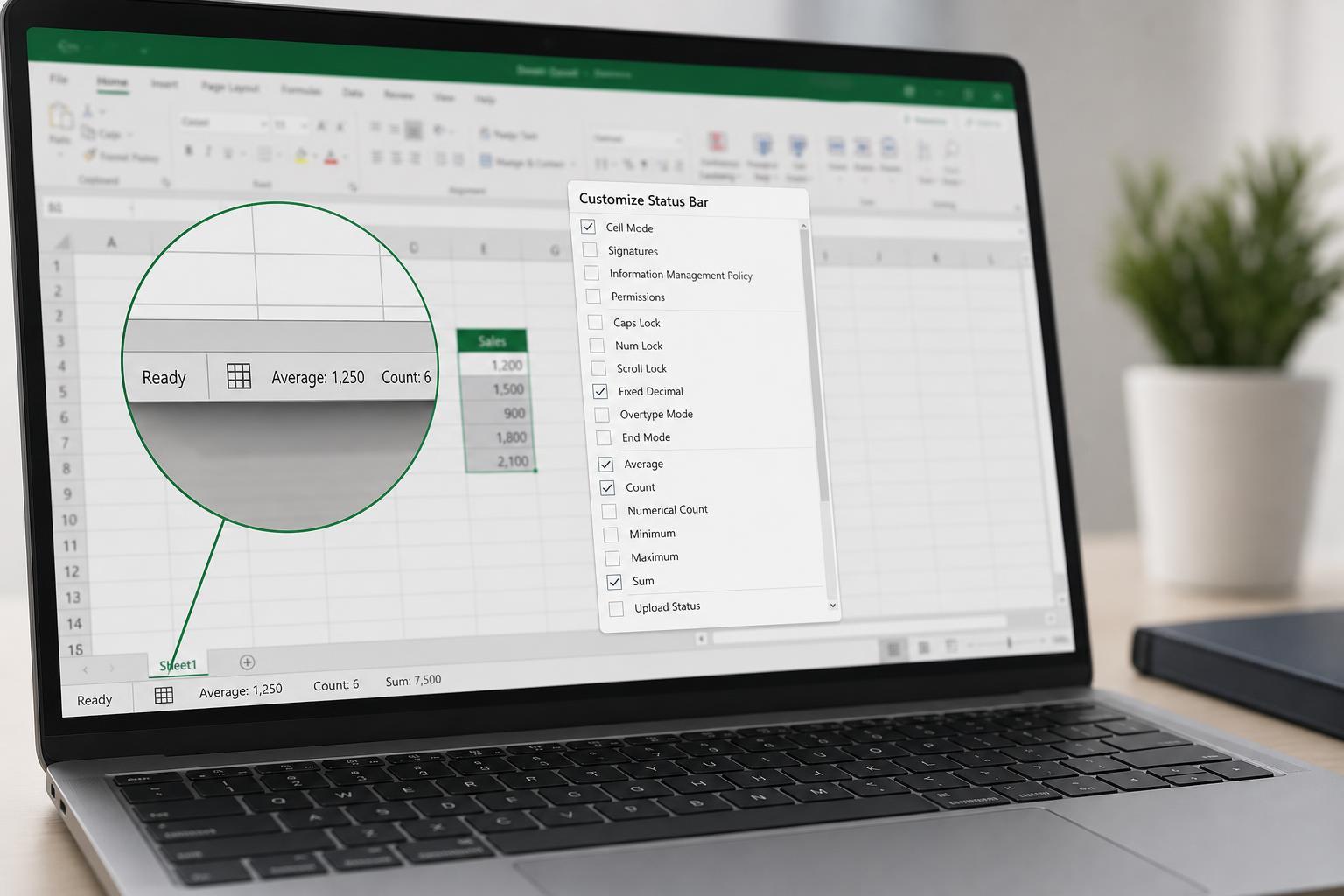
How to Change the Functions Shown in the Excel Status Bar
Learn how to customize the Excel status bar so you can show useful calculations like average, count, and sum, and choose the tools that appear at the bottom of your workbook window.
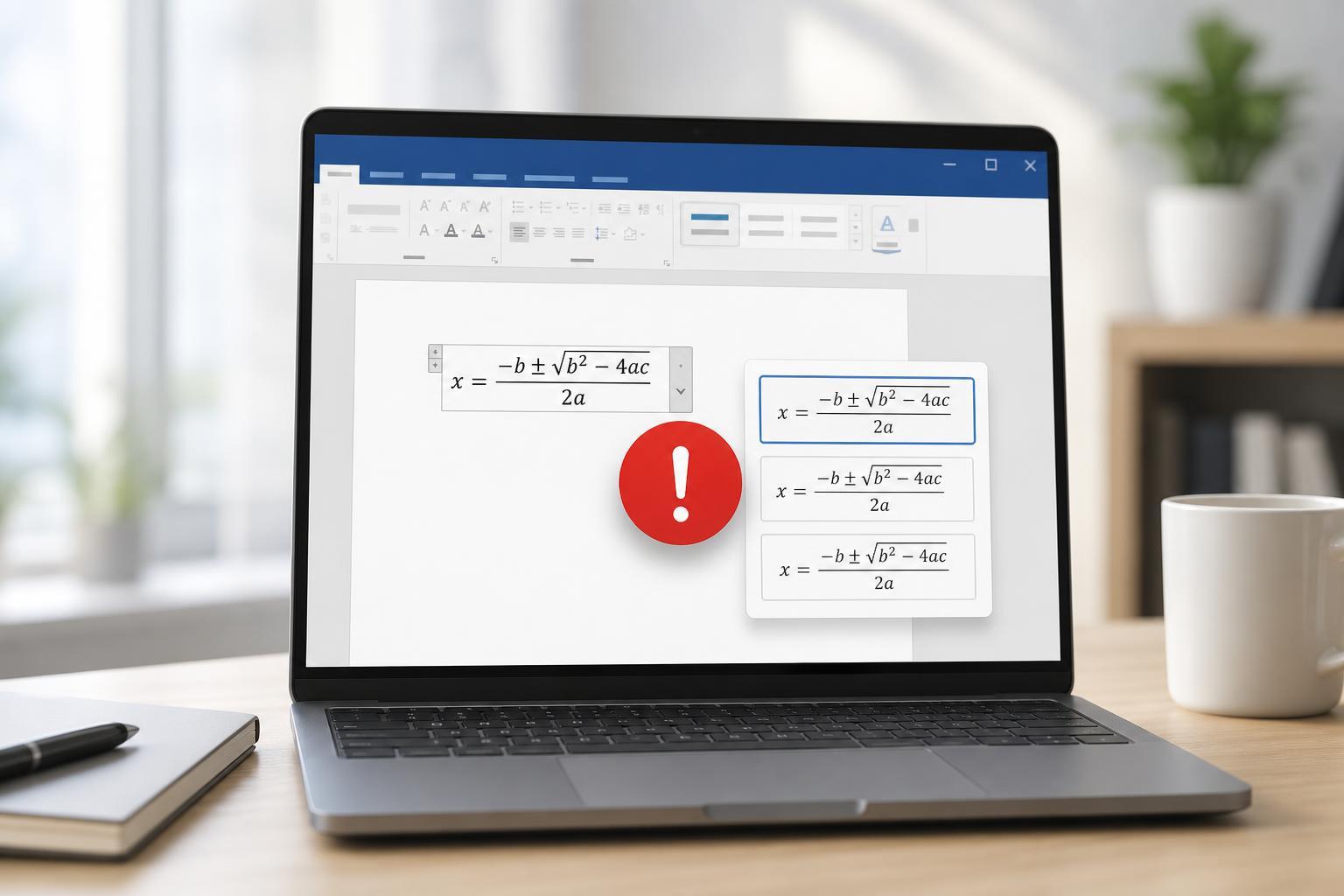
Why Microsoft Word Equations Won’t Switch to Professional Format
Learn why Microsoft Word equations may not convert to Professional format and how to fix equation display issues, including compatibility, input method, and editing problems.
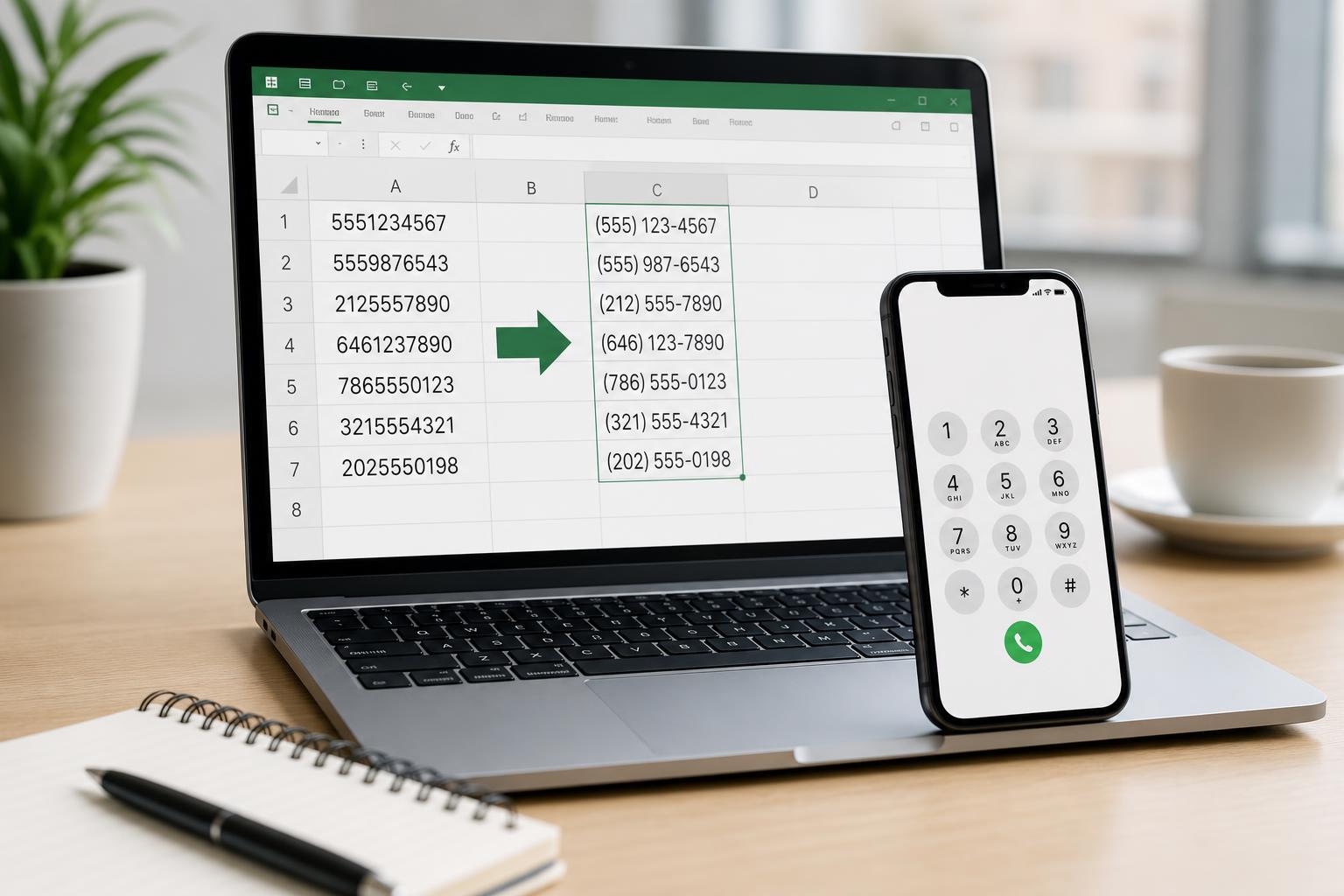
Formatting Phone Numbers in Excel: A Practical Guide
Learn how to format phone numbers in Excel with custom formats, formulas, and text handling so numbers display correctly and stay usable for sorting and exports.
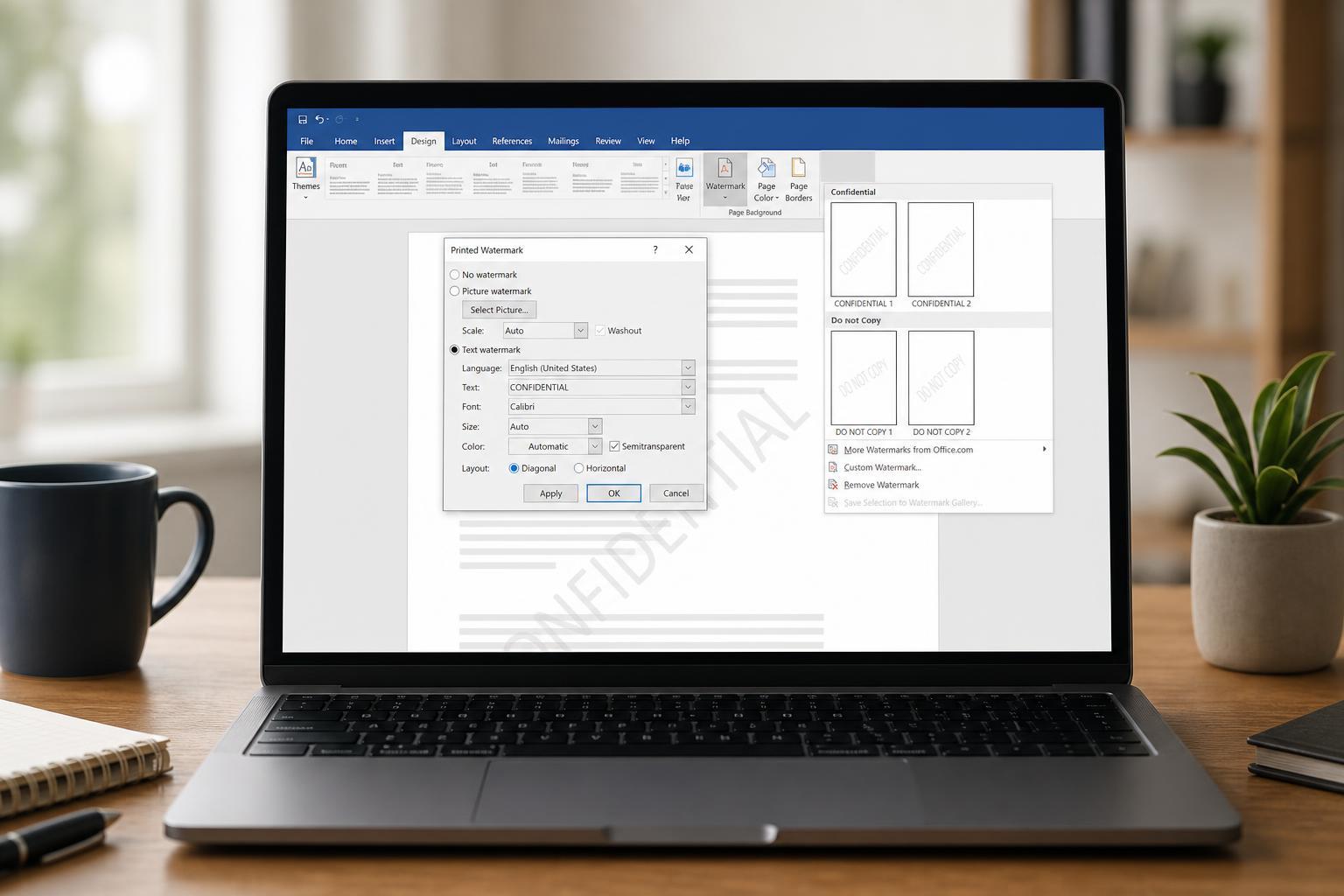
Adding a Watermark in Microsoft Word
Learn how to insert, customize, and remove watermarks in Microsoft Word so you can mark drafts, confidential documents, or branded files quickly and correctly.
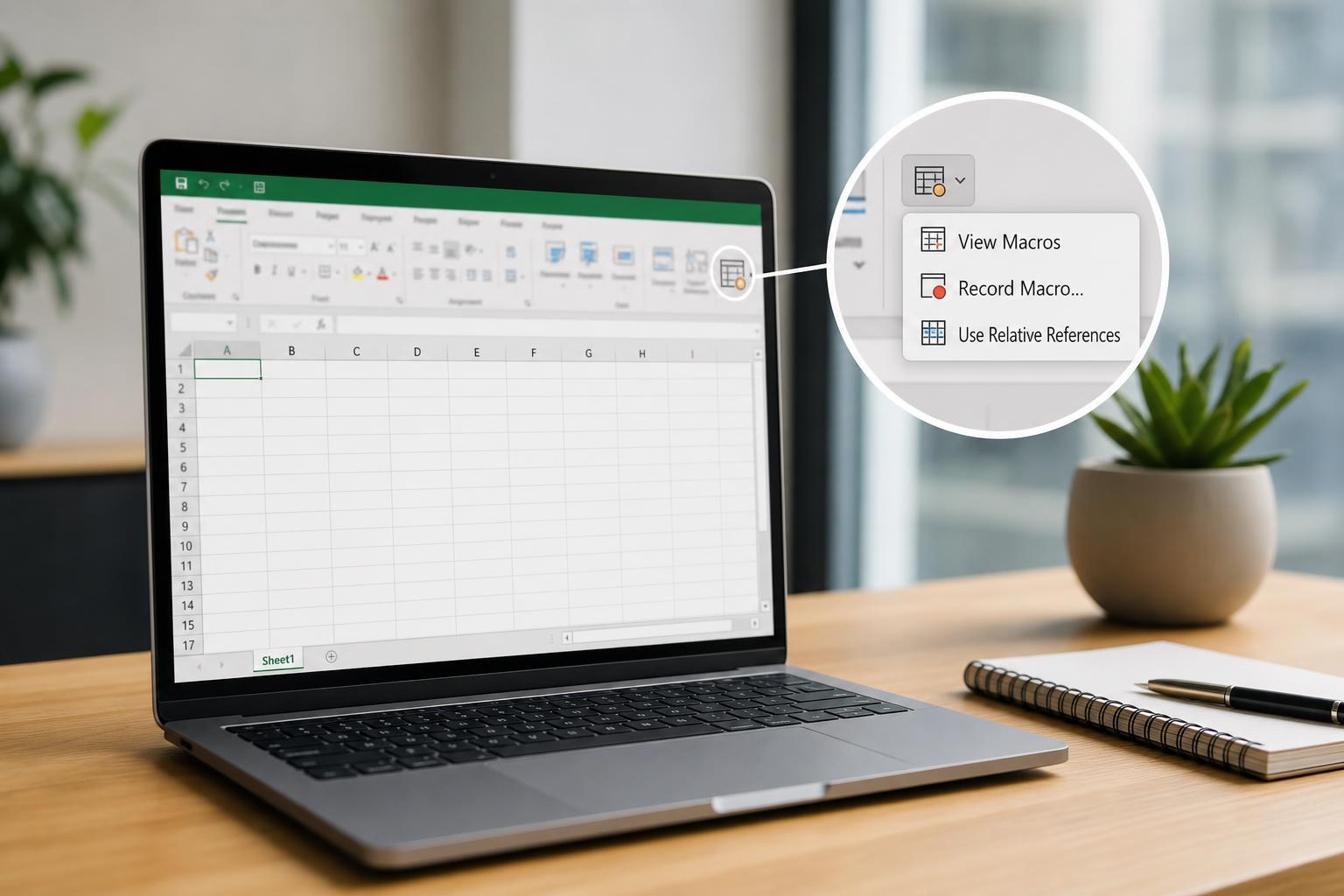
How to Add a Macro Button in Excel
Learn how to create a clickable macro button in Excel, assign a VBA macro to it, and use it to automate repetitive tasks on your worksheet.
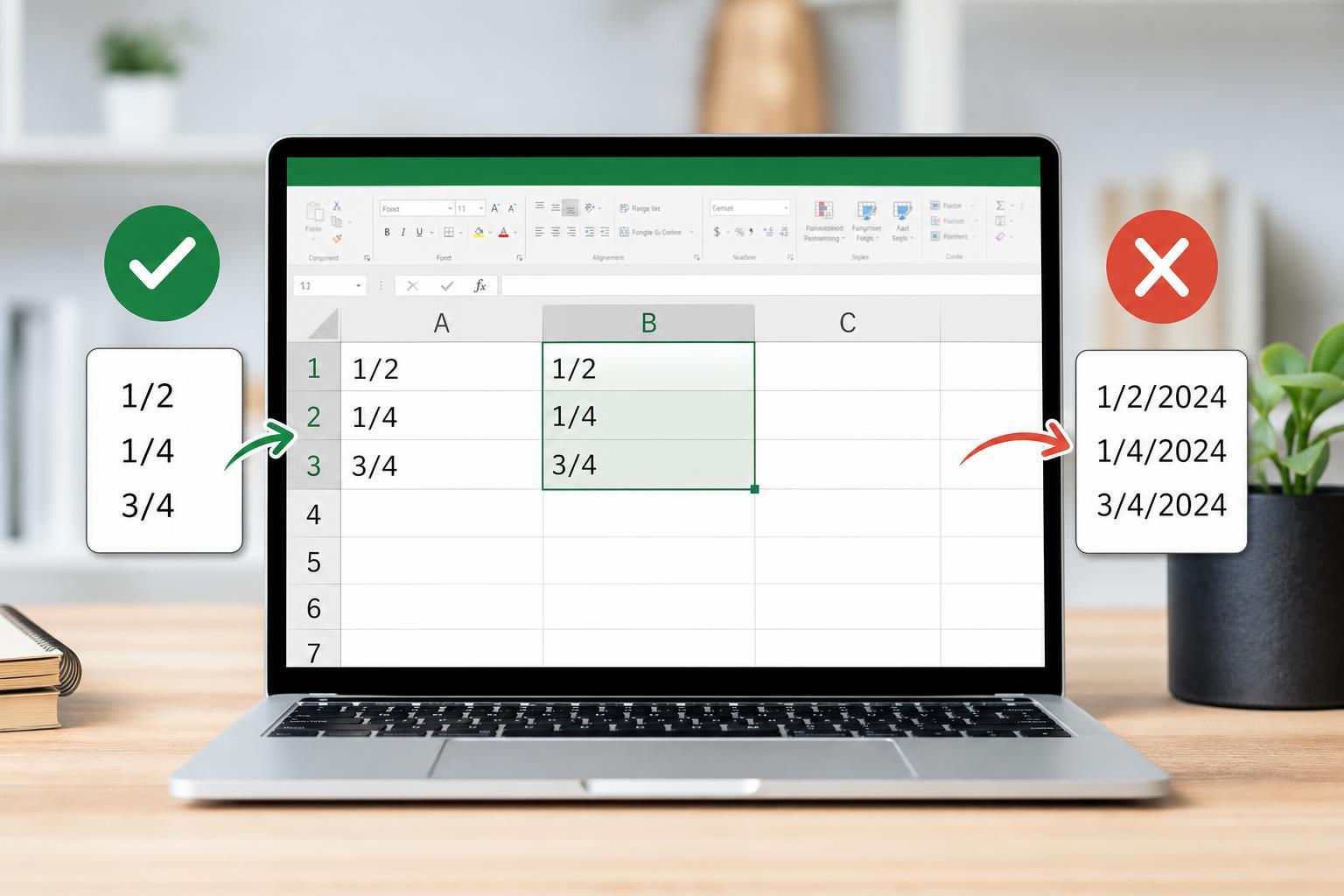
How to Prevent Excel from Turning Fractions into Dates
Learn why Excel changes fractions like 1/2 into dates and how to stop it using formatting, data entry tricks, and paste options.
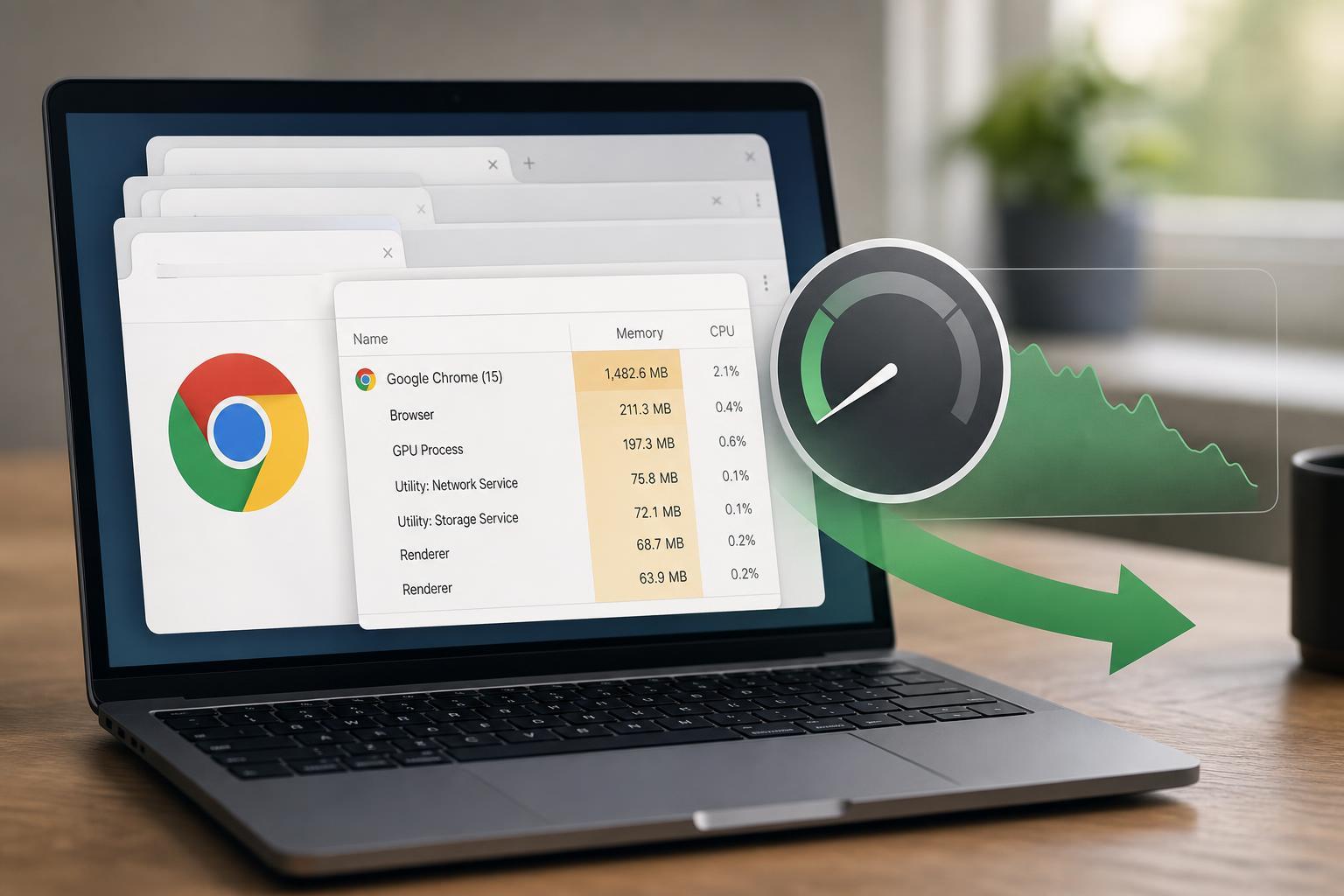
How to Cut Down Chrome’s RAM Usage
Learn practical ways to reduce Google Chrome’s memory use on Windows and keep your browser responsive without giving up the tabs, extensions, and features you need.
How to Fix Outlook Crashing at Startup: 3 Practical Solutions
Learn three practical fixes for Outlook crashing at startup, including repair steps, add-in troubleshooting, and profile checks to get Outlook opening normally again.
3 Simple Ways to Fix PowerPoint Printing Problems
Learn three practical ways to fix PowerPoint when slides do not print properly, including layout issues, print settings, and driver-related problems.