Apps & Software.
Practical guides for popular apps, software, tools and everyday programs.

How to React to Messages in Telegram
Learn how to use message reactions in Telegram on mobile and desktop, how to choose from the available emojis, and what to do if reactions are missing or not working.
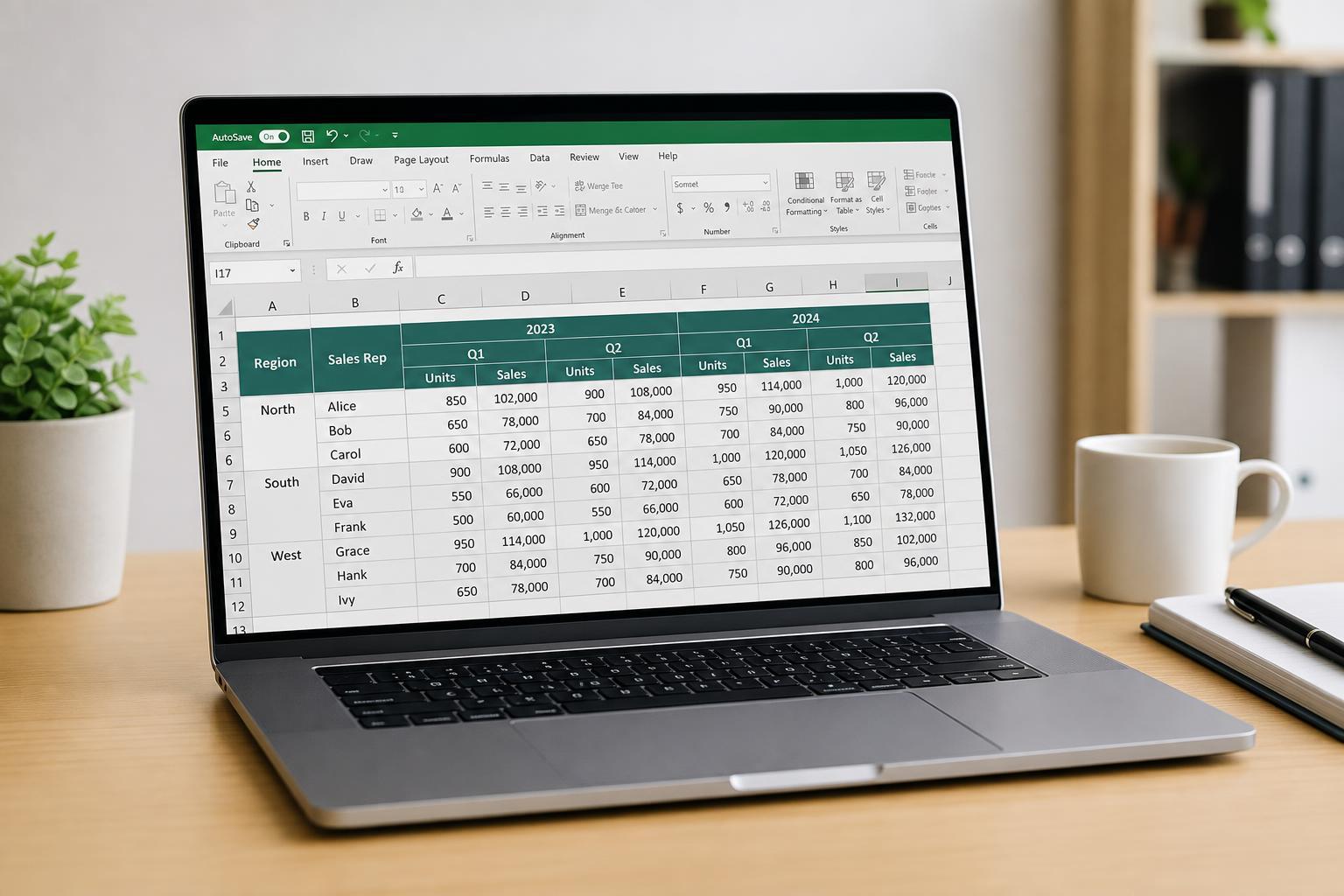
Making Excel Tables with Multiple Header Rows Easier to Work With
Learn practical ways to improve Excel tables that use multiple header rows, including formatting, freezing panes, filtering, and layout changes that make them easier to read and use.
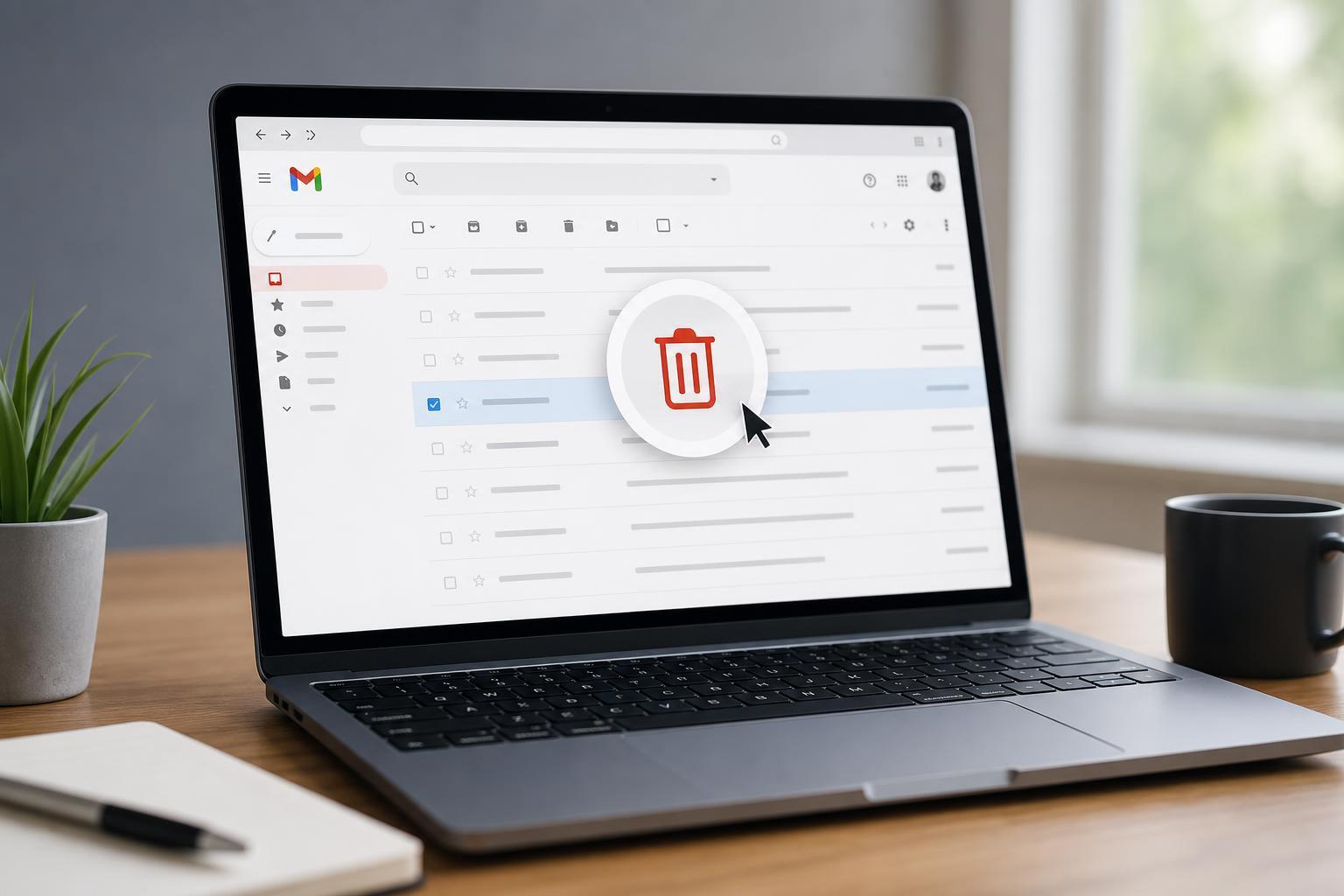
How to Automatically Delete Emails in Gmail
Learn how to set up Gmail filters to auto-delete unwanted emails, manage existing messages, and avoid accidentally removing important mail.
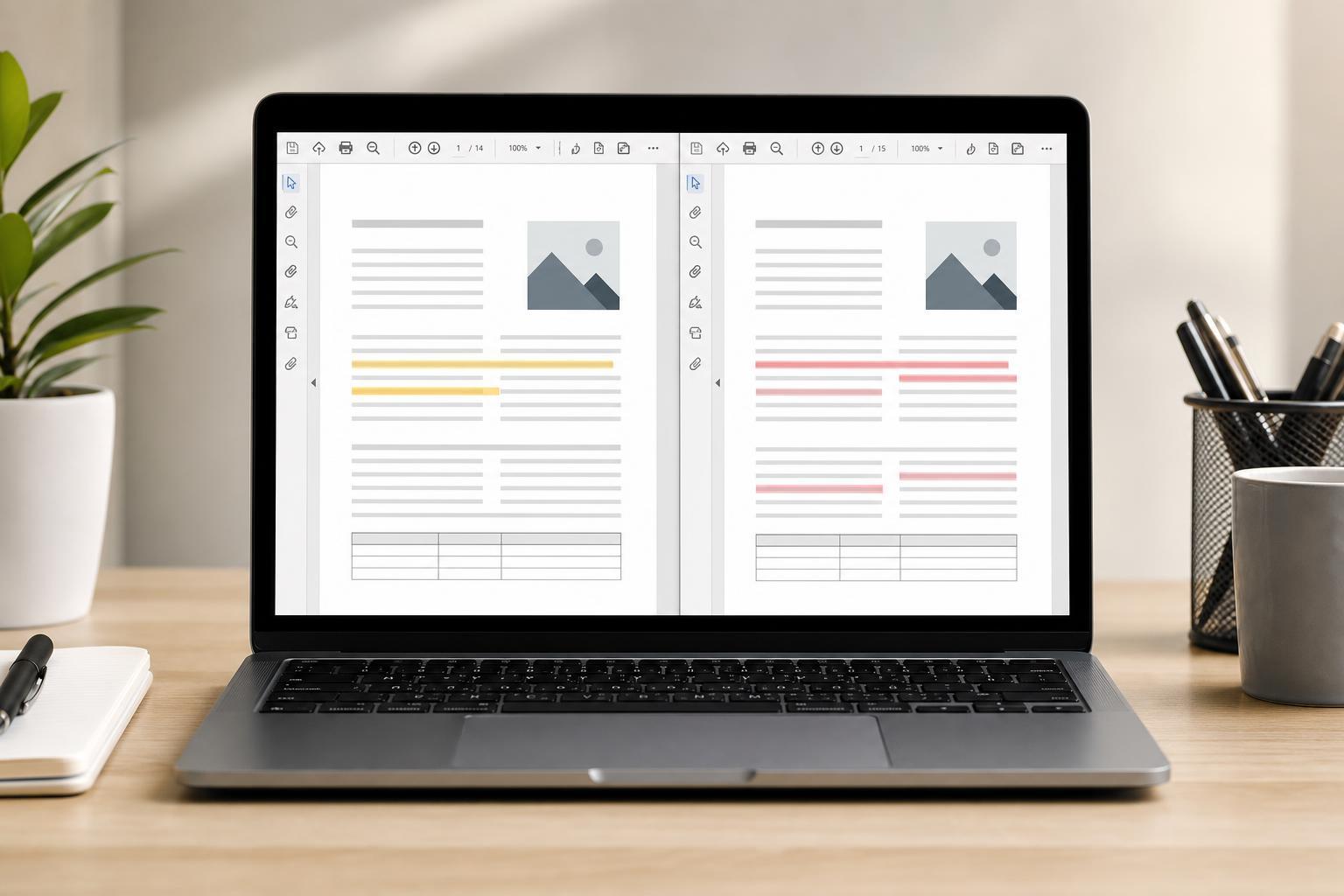
How to View Two PDF Files Side by Side and Compare Them
Learn practical ways to open two PDF files side by side, compare their contents, and spot changes quickly on Windows, macOS, and in common PDF apps.

5 Great Online Tools for Tracking Movies and TV Shows
Discover five useful online tools for keeping track of movies and TV shows, saving watchlists, following new episodes, and managing what you want to watch next.
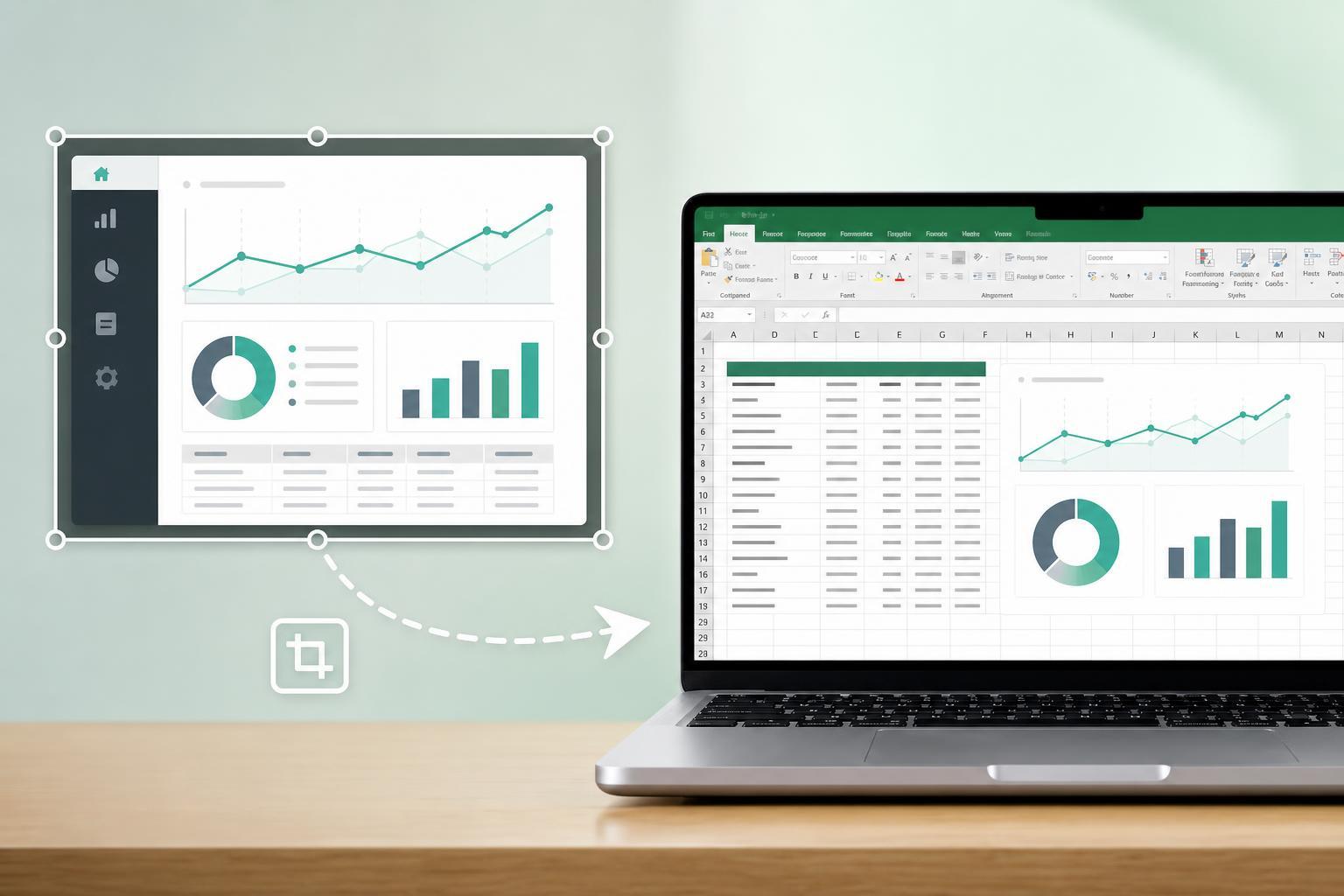
How to Turn a Screenshot into an Excel Spreadsheet
Learn how to convert a screenshot into an Excel sheet using OCR tools, Excel features, and practical cleanup steps so your data becomes editable quickly and accurately.
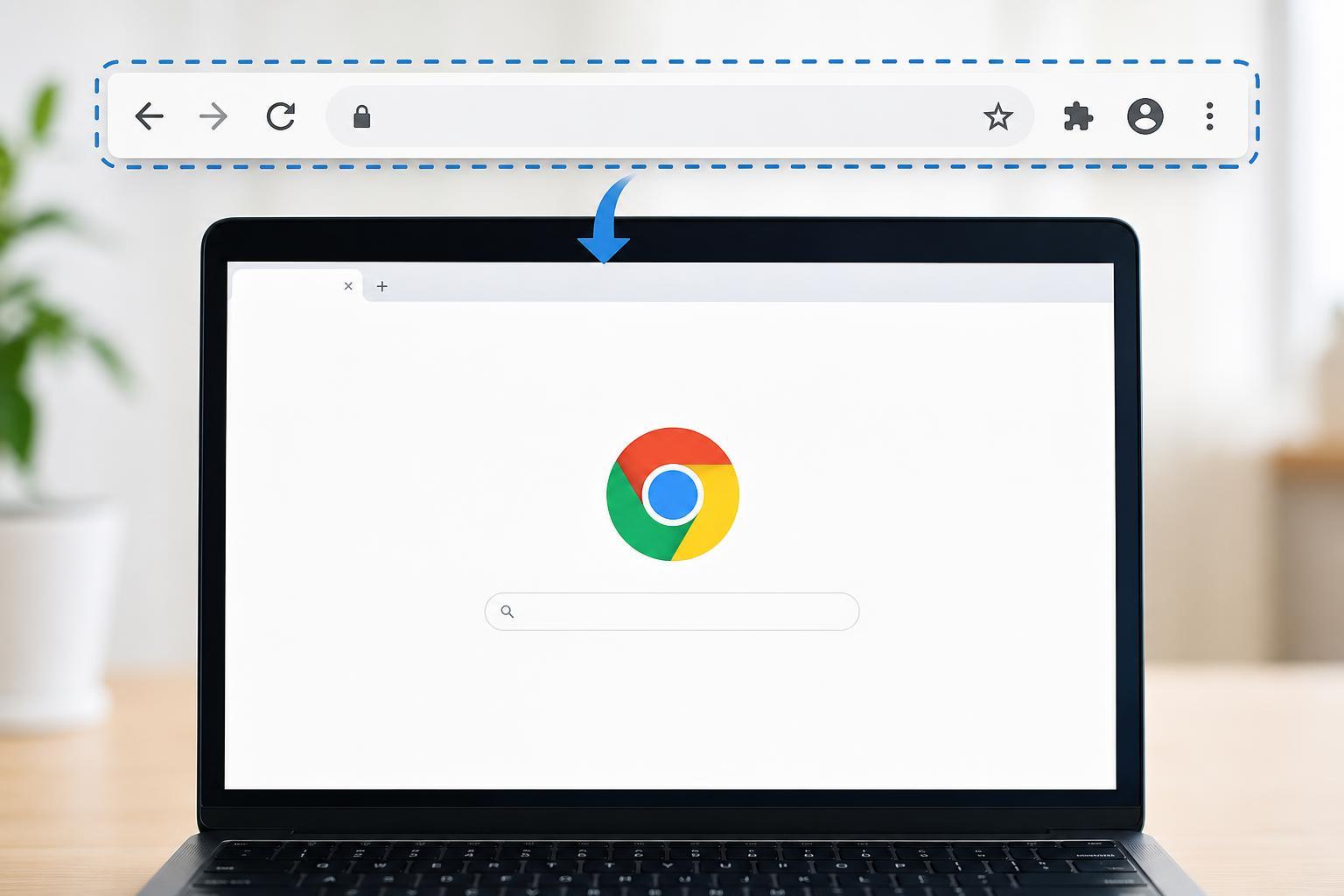
How to Bring Back the Missing Google Chrome Toolbar
Learn how to restore a missing Google Chrome toolbar, including the address bar, bookmarks bar, extensions, and other interface elements on Windows and other devices.
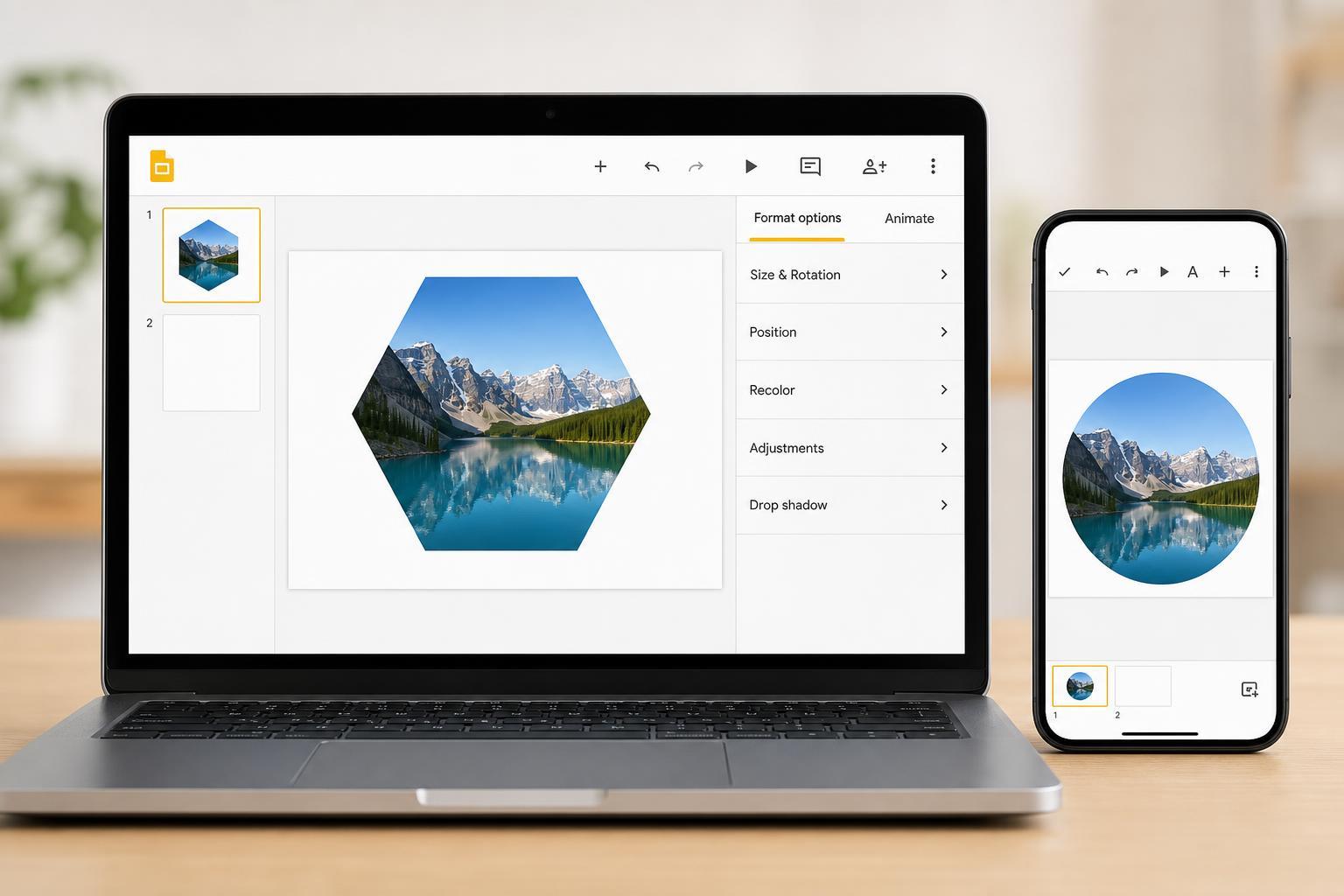
How to Put an Image Inside a Shape in Google Slides on Mobile and PC
Learn how to place an image inside a shape in Google Slides on desktop and mobile, plus what works on each device and how to adjust the result.

Adding Live Subtitles to a PowerPoint Presentation
Learn how to turn on live subtitles in Microsoft PowerPoint, choose the right language settings, and use captions effectively during presentations and meetings.
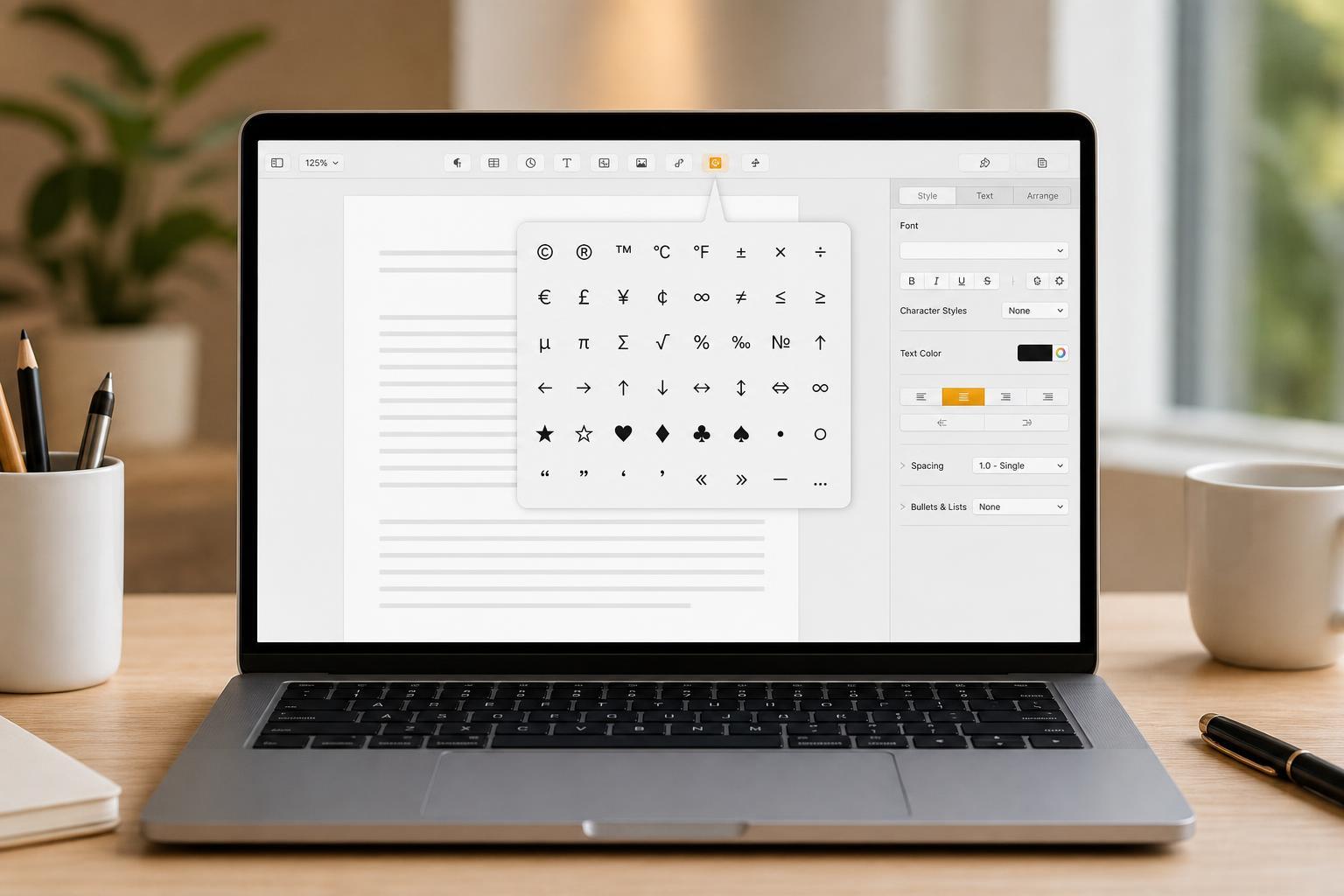
Adding Special Characters and Symbols in Apple Pages, Plus Useful Writing Tricks
Learn how to insert special characters and symbols in Apple Pages on Mac, along with helpful shortcuts and formatting tricks that make writing faster and easier.

How to Turn Off Google Translate Pop-Ups in Apps
Learn how to stop Google Translate from appearing as a pop-up in apps on Android and in supported browsers, including how to disable translation prompts, in-app translation triggers, and related language settings.
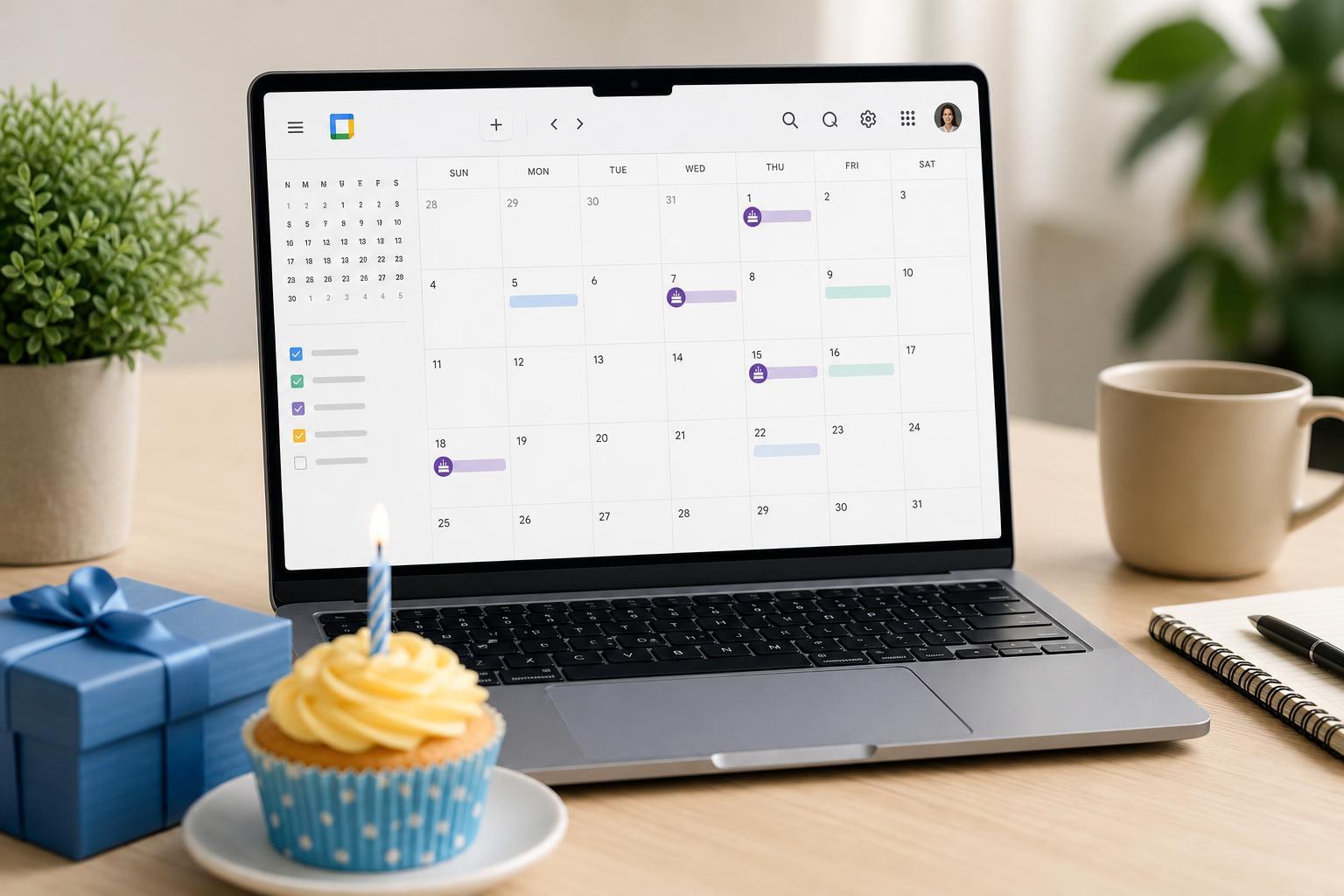
2 Simple Ways to Add Birthdays to Google Calendar
Learn two easy ways to add birthdays to Google Calendar so you can keep track of important dates on desktop or mobile, including contacts and birthday events.