Apps & Software.
Practical guides for popular apps, software, tools and everyday programs.
5 Ways to Fix Microsoft PowerPoint Audio Playback Problems on Windows
Learn how to fix Microsoft PowerPoint when audio won’t play on Windows, including file issues, playback settings, linked media, and compatibility problems.
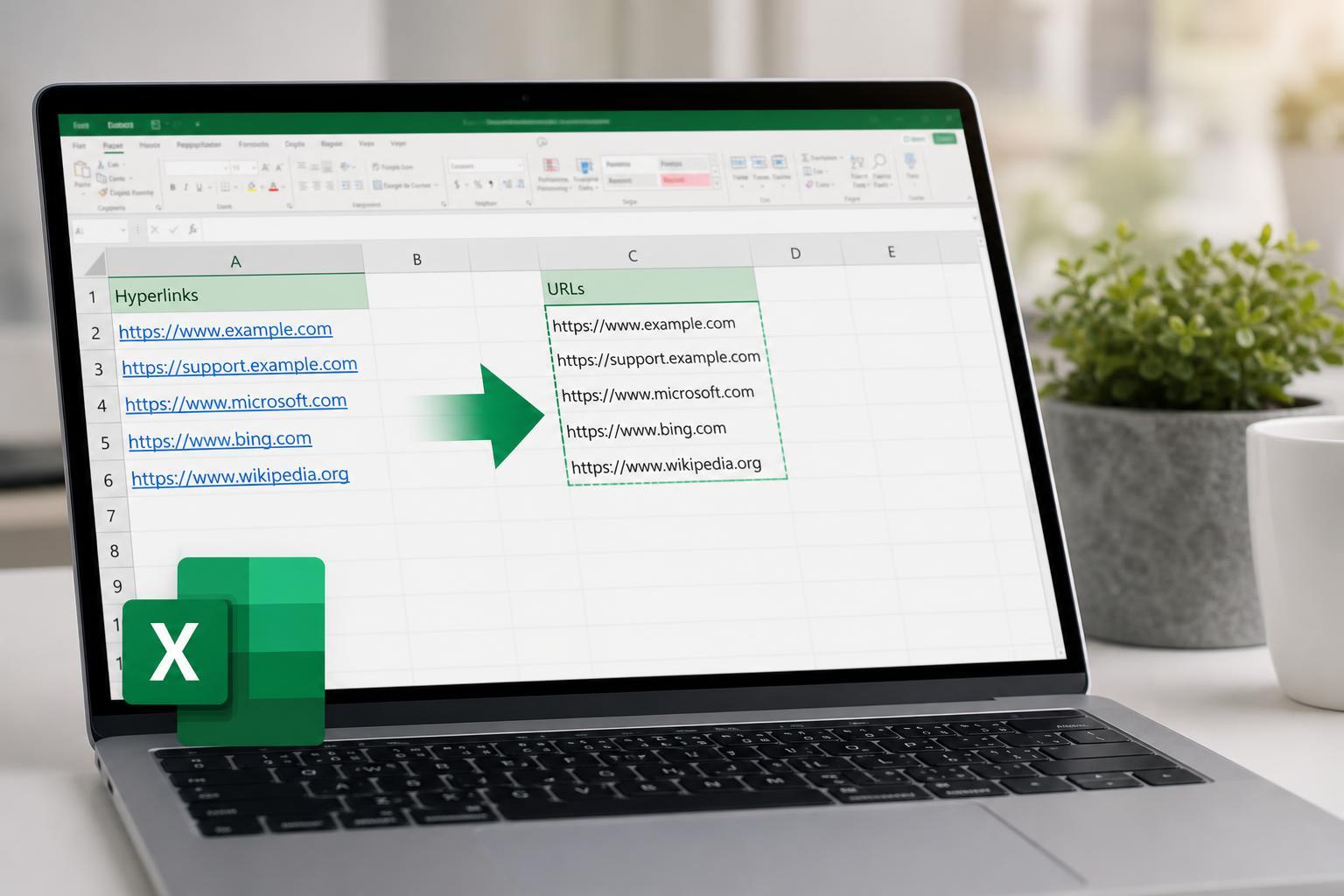
3 Easy Ways to Pull URLs from Hyperlinks in Microsoft Excel
Learn three practical ways to extract the actual URL from a hyperlink in Microsoft Excel, including formula-based methods and a simple VBA option for older workbooks.
How to Fix PowerPoint Videos That Won’t Play
Learn four practical fixes for PowerPoint videos that won’t play, including codec, file format, linking, and playback setting checks that can get your presentation working again.
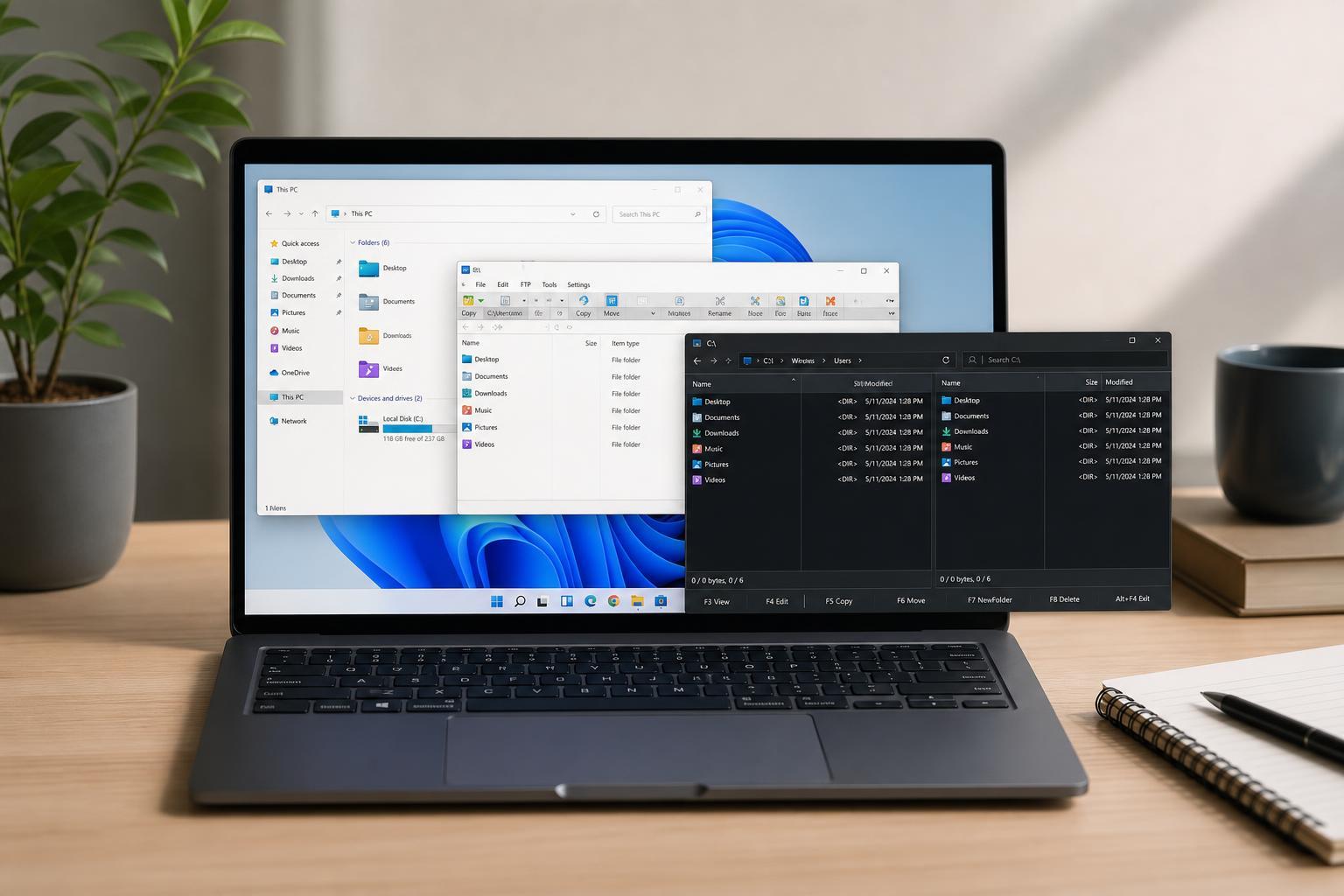
The Best File Explorer Alternatives for Windows
Discover the best File Explorer alternatives for Windows, including what each one does best, who it suits, and how to choose the right replacement for your workflow.
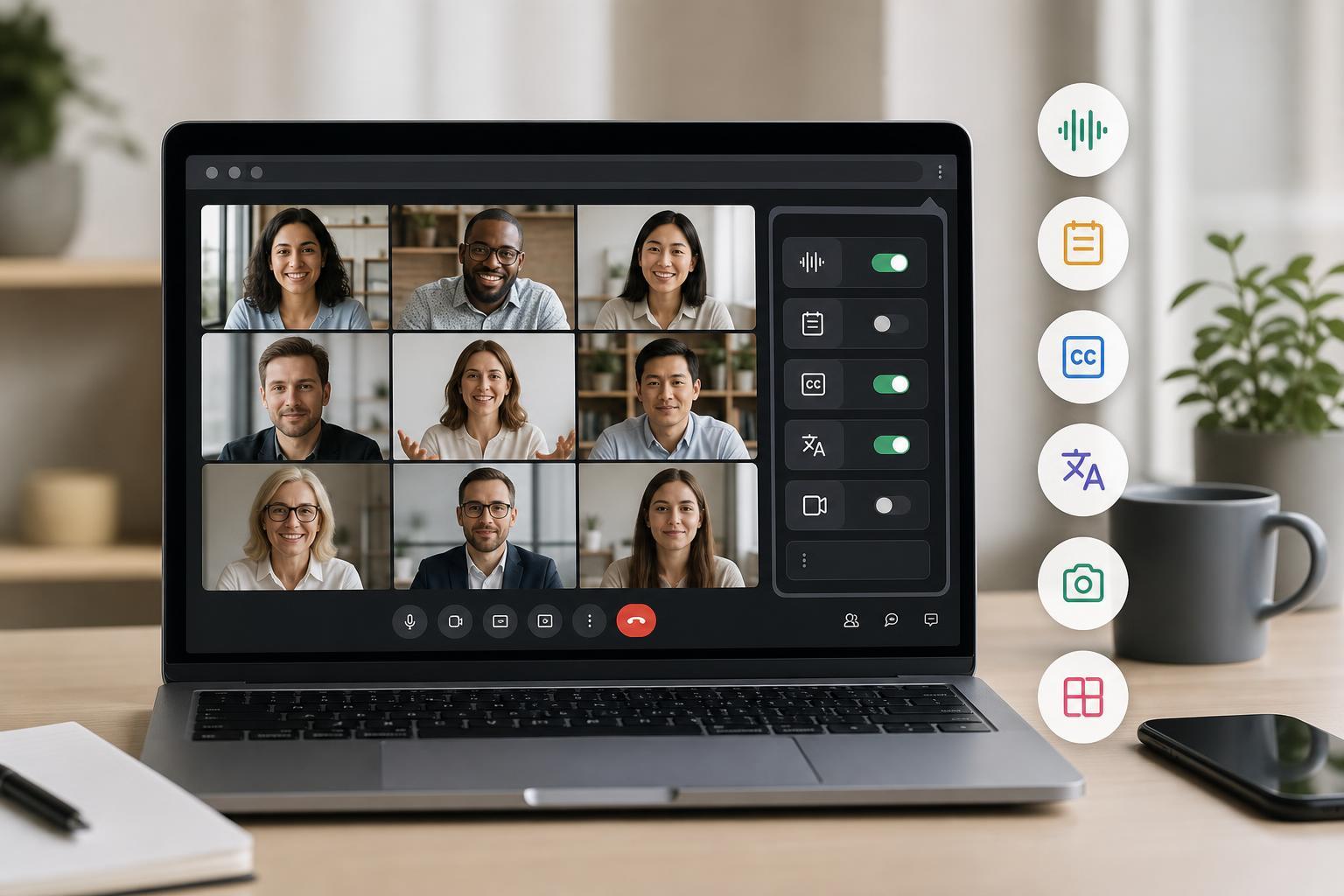
6 Google Meet Extensions That Can Help You Work Faster
Learn six useful Google Meet extensions that can improve meetings, add productivity tools, and help you stay organized during video calls.
Fixing Copy and Paste Problems in Google Chrome
Learn how to troubleshoot copy and paste not working in Chrome on Windows, including browser issues, extension conflicts, permissions, and system-level fixes.

7 Reliable Ways to Fix Google Meet Audio Problems
Learn how to troubleshoot Google Meet audio issues with practical fixes for microphone, speaker, browser, permission, and device problems on Windows and other devices.
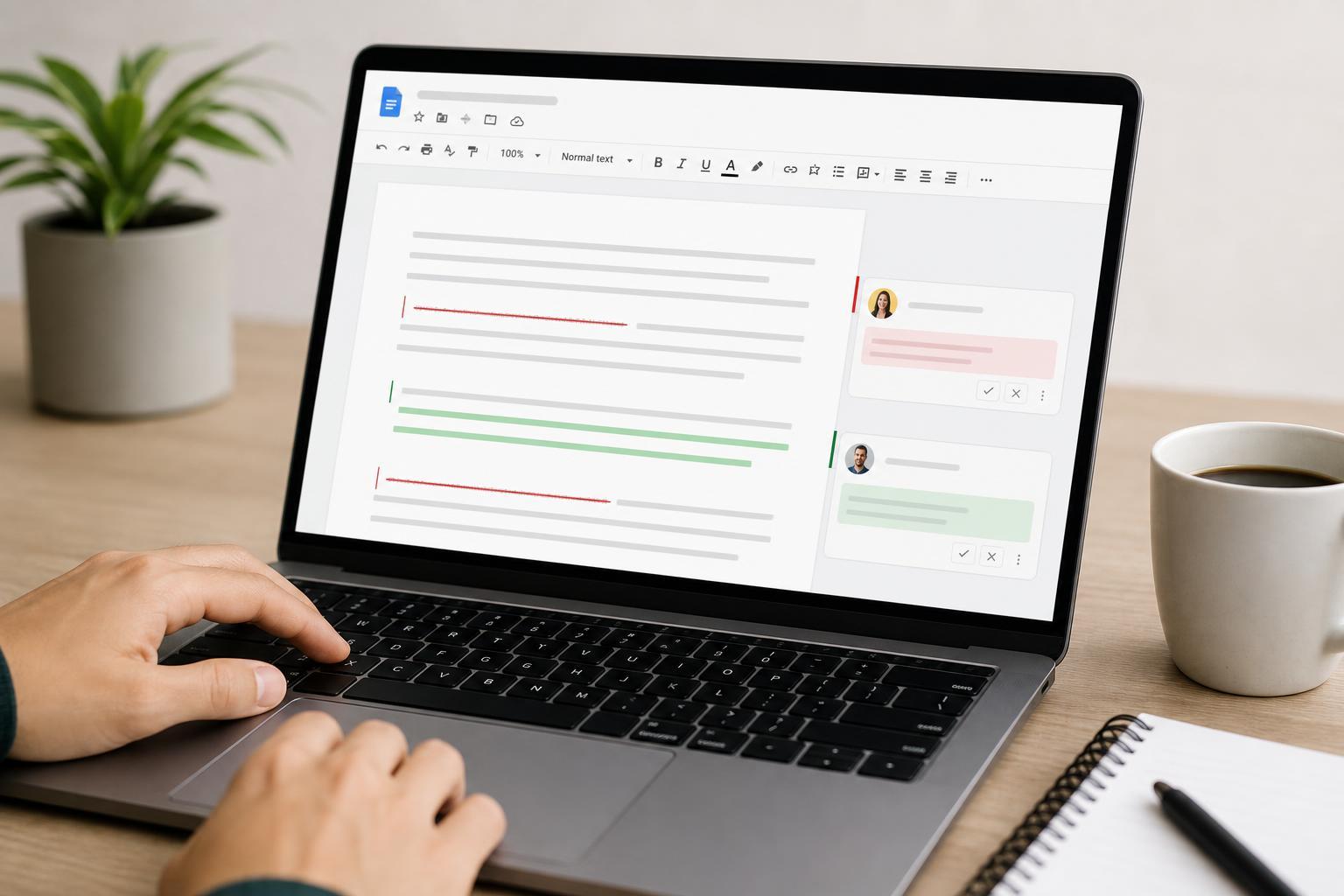
Using Suggesting Mode and Track Changes in Google Docs
Learn how to use Google Docs’ Suggesting mode to review edits, accept or reject changes, compare versions, and collaborate on documents more effectively.
5 Fixes for Gmail Not Working in Google Chrome
Learn five practical ways to fix Gmail when it stops loading, syncing, or responding in Google Chrome, including browser, extension, cache, and account checks.
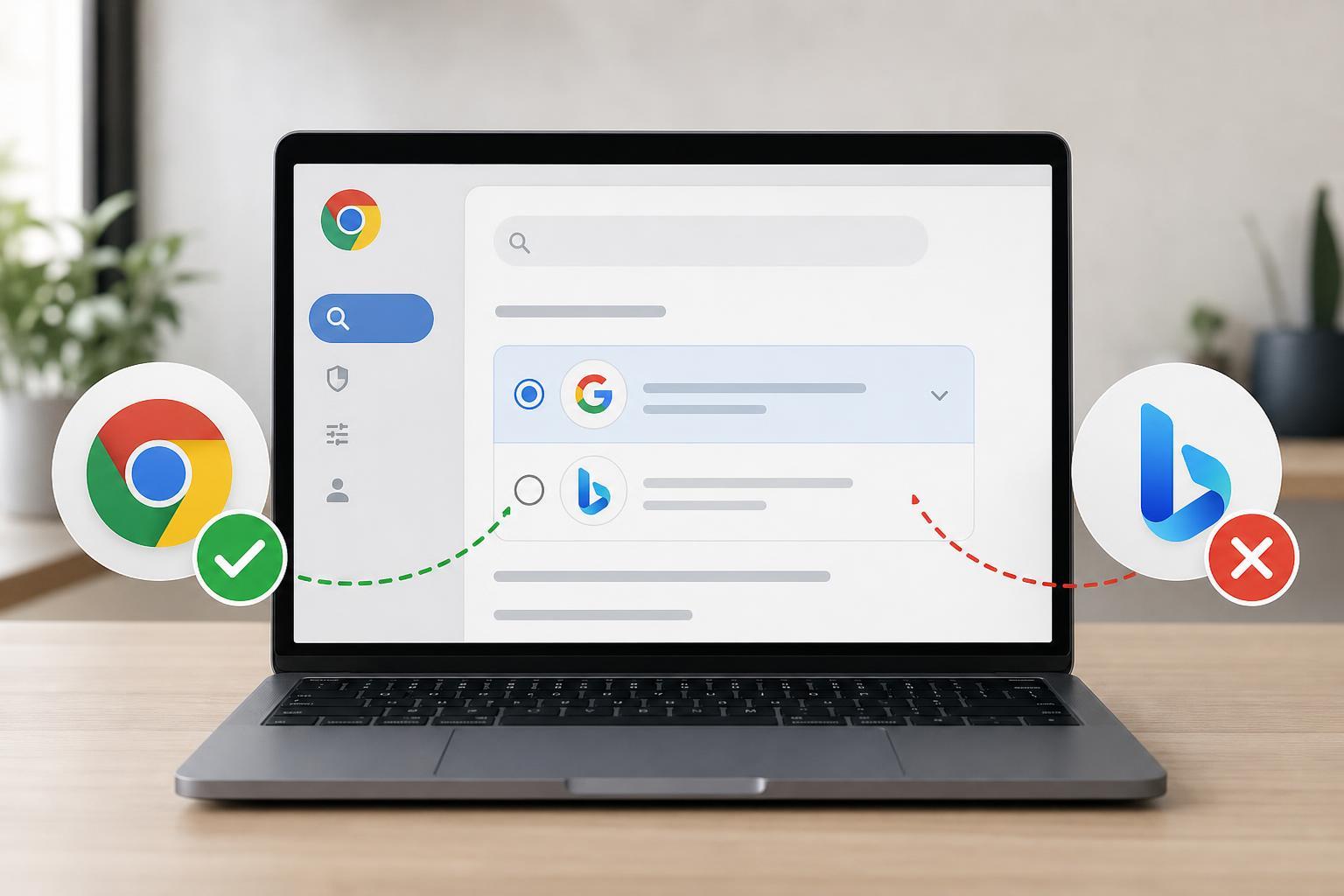
3 Ways to Stop Google Chrome Search From Switching to Bing
Learn three practical ways to fix Google Chrome when the search engine keeps changing to Bing, including checking settings, removing unwanted extensions, and resetting Chrome if needed.
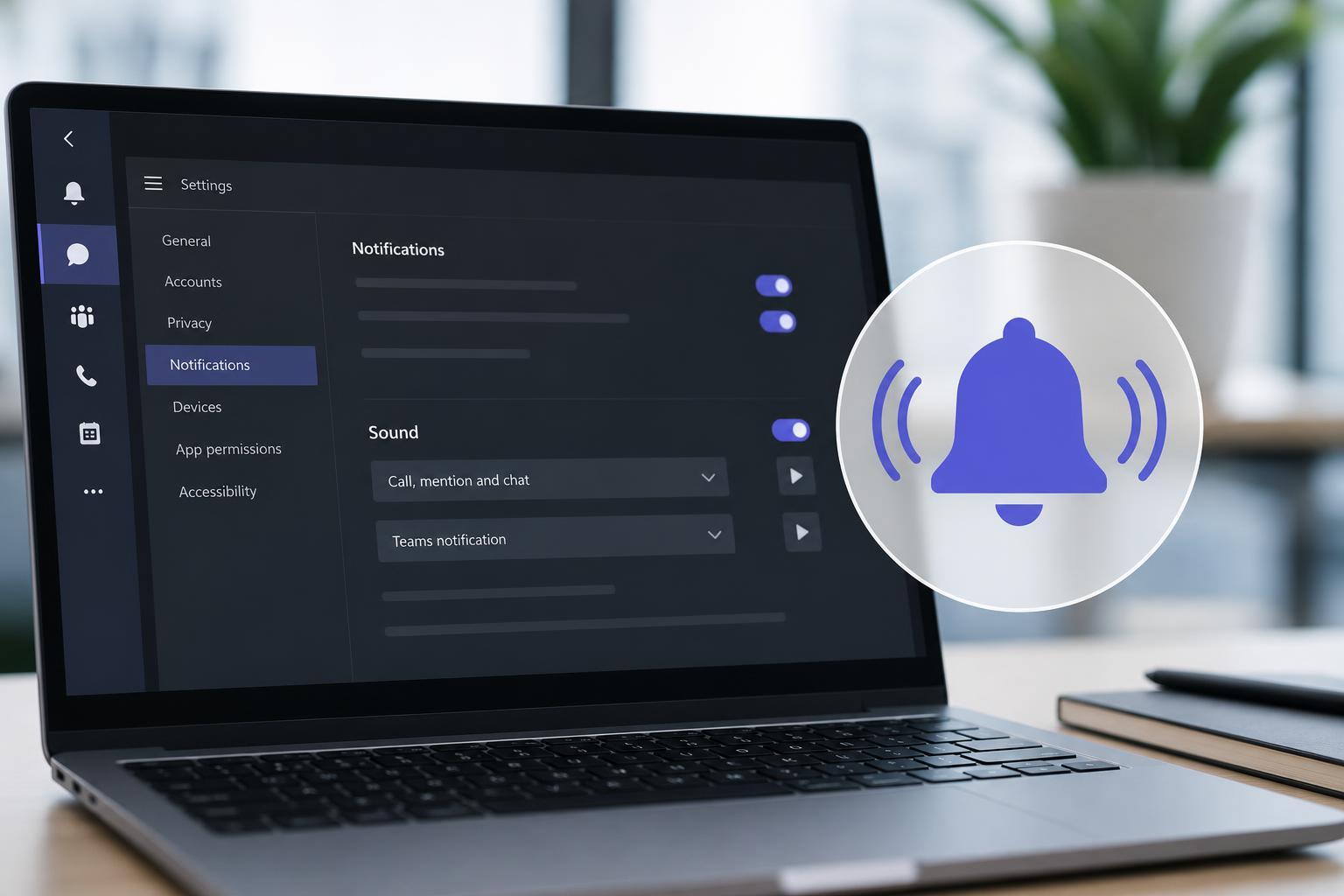
How to Restore Microsoft Teams Notification Sounds When They Stop Working
Learn how to fix Microsoft Teams notification sounds when alerts are silent, including app settings, Windows sound settings, device selection, and other common causes.
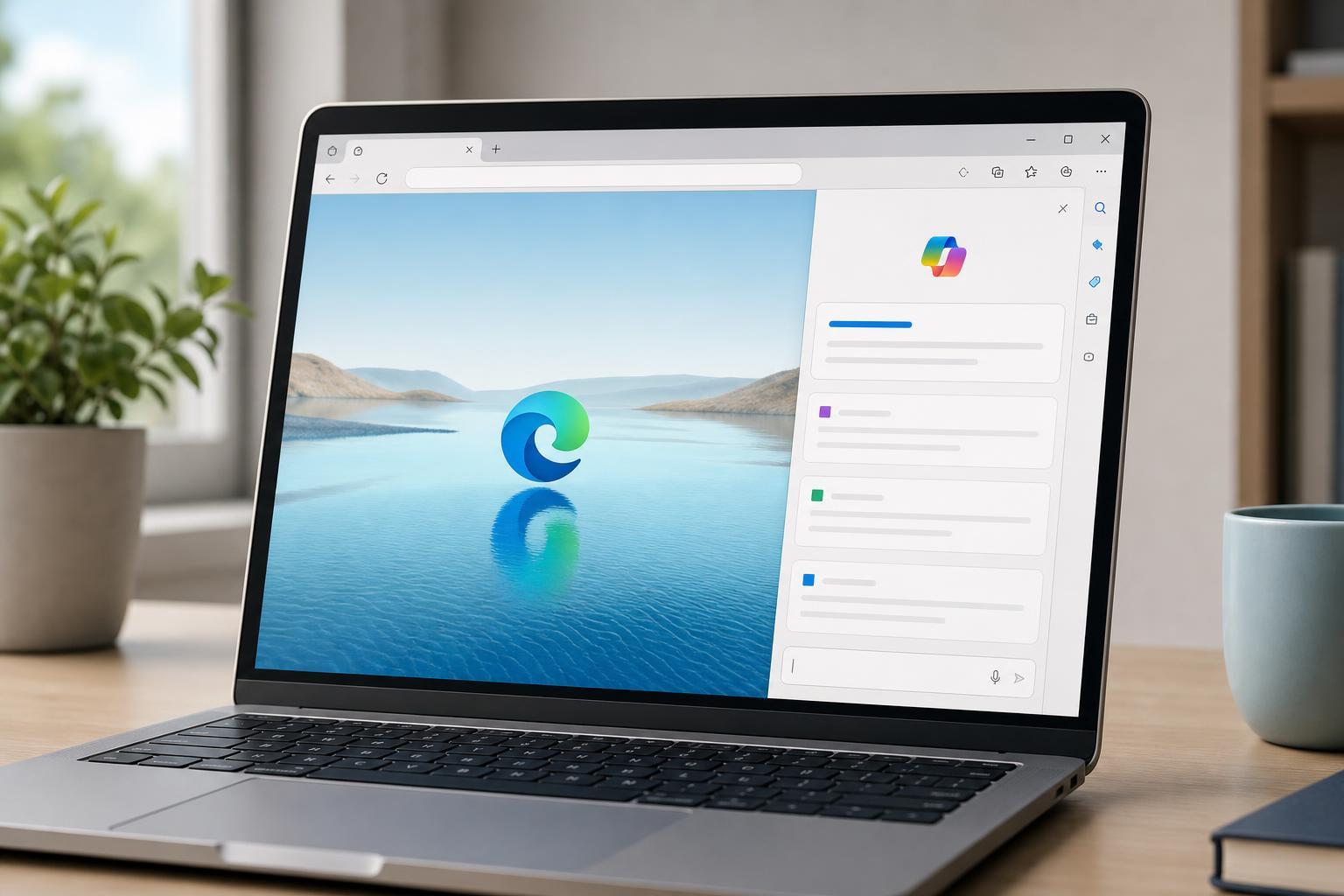
Using Copilot in Microsoft Edge: A Practical Guide
Learn how to open and use Copilot in Microsoft Edge, what it can do in the browser, and how to get the most useful answers while browsing.