iPhone & iPad.
Helpful iPhone and iPad guides, settings, features and troubleshooting solutions.
How to Add Gmail to an iPad and Start Using It
Learn how to set up Gmail on an iPad using the Mail app or the Gmail app, plus how to fix common sign-in and sync problems.
How to Fix iPhone Photos Stuck in Recently Deleted and Not Deleting
Learn how to fix an iPhone when photos remain stuck in Recently Deleted and won’t delete, including common causes, Apple ID sync issues, storage problems, and the steps that usually resolve it.
5 Fixes for Low or Too-Loud Alarm Volume on iPhone
Learn how to fix an iPhone alarm that is too quiet or unexpectedly loud by checking volume settings, alarm settings, Focus modes, connected audio devices, and sound controls.
Fixing Disney+ When It Won't Work on iPhone or iPad
Learn how to troubleshoot Disney+ on iPhone or iPad when the app won't open, videos won't play, or streaming keeps failing. This guide covers common causes and practical fixes.

Using Zoom on Apple TV 4K: What You Can Do and How to Set It Up
Learn how to use Zoom on Apple TV 4K, including setup requirements, joining or starting meetings, camera and microphone options, and what to expect from the Apple TV experience.
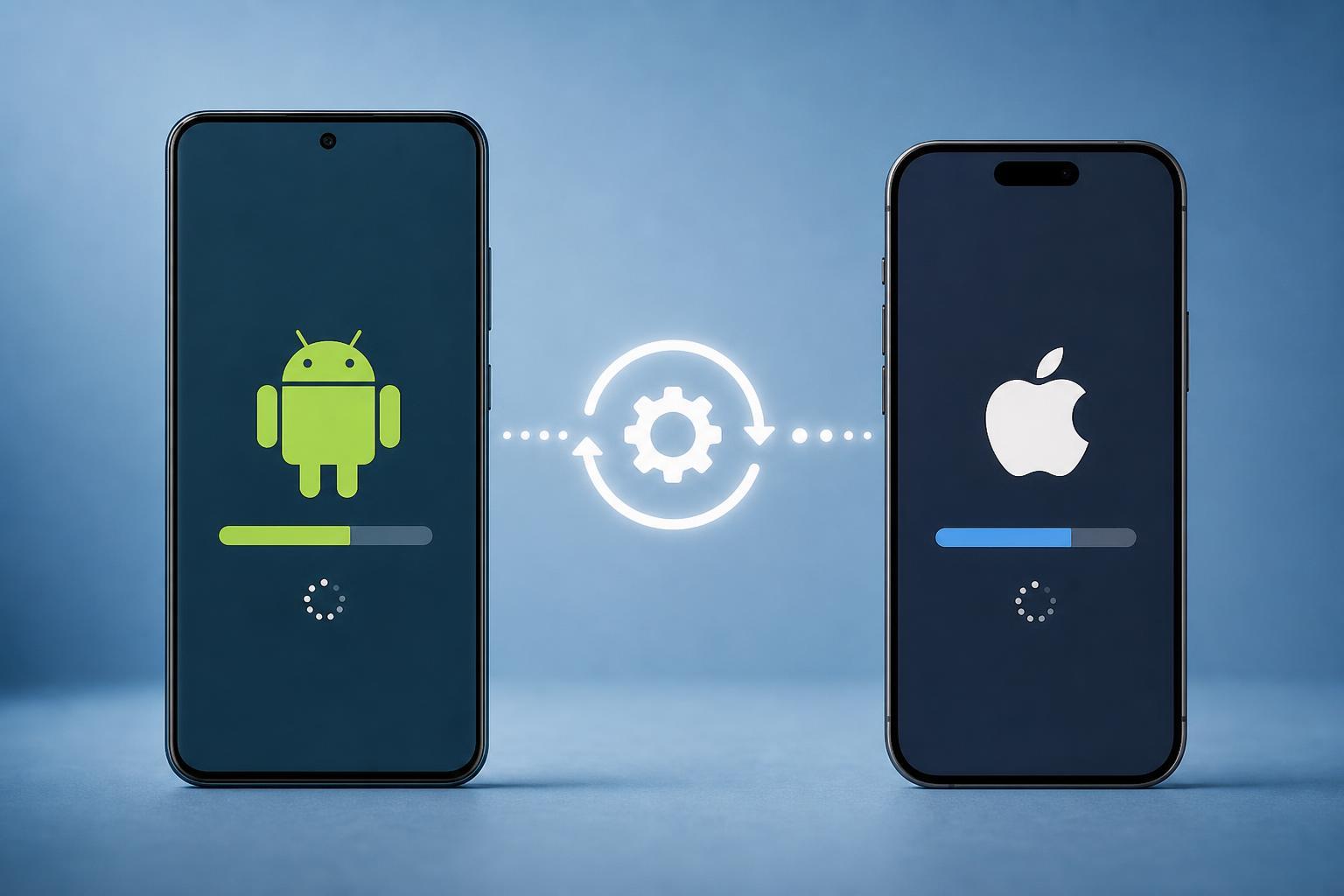
What Actually Happens When You Update an Android Phone or iPhone
Learn what really changes when you update an Android phone or iPhone, including system improvements, security fixes, app compatibility, and the risks to watch for before installing an update.
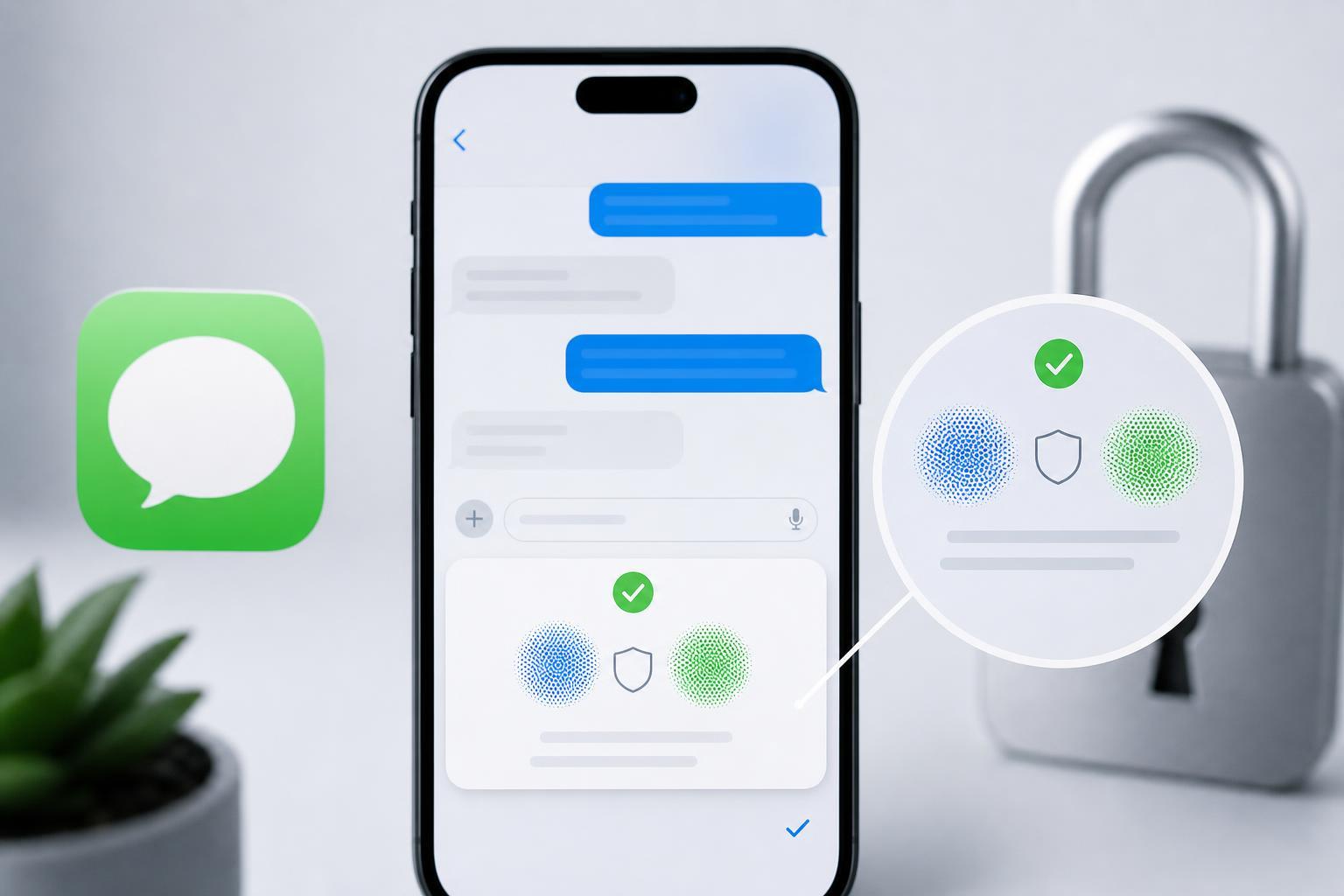
Contact Key Verification in iMessage: What It Is and How to Use It
Learn what Contact Key Verification in iMessage does, why it matters for secure conversations, and how to turn it on and check verification codes on Apple devices.
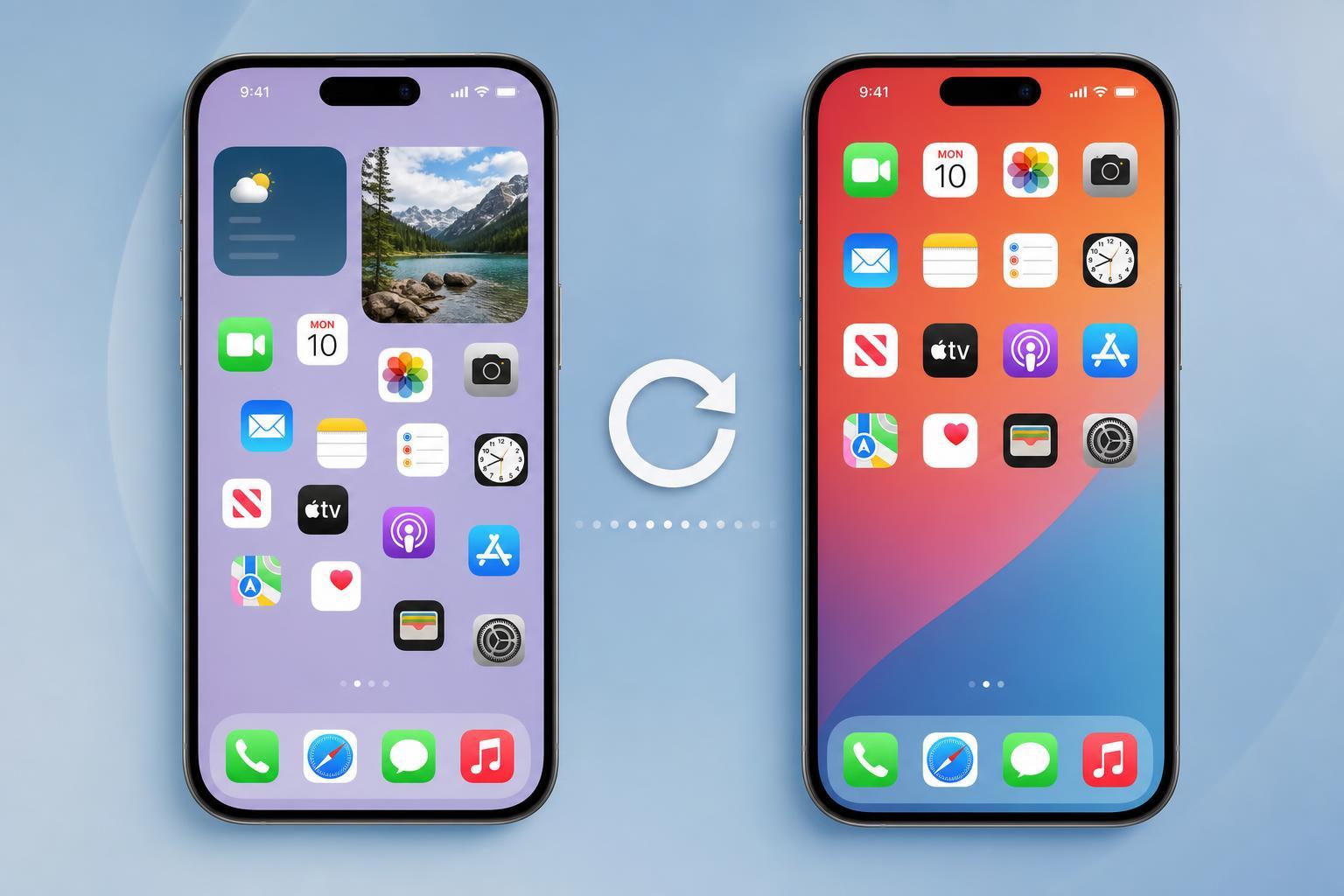
Resetting Your iPhone Home Screen Layout Back to the Default
Learn how to reset your iPhone Home Screen layout to the default arrangement, what changes the reset makes, and what to expect afterward.

The 6 Best Keyboard Cases for iPad Air 5th Generation
Explore six of the best keyboard cases for the Apple iPad Air 5th generation, with practical guidance on typing comfort, protection, portability, and which option fits different budgets and use cases.

6 Ways to Fix Telegram Calls That Don’t Ring on iPhone
Learn why Telegram calls may not ring on an iPhone and how to fix notification, permissions, Do Not Disturb, network, and app settings issues step by step.
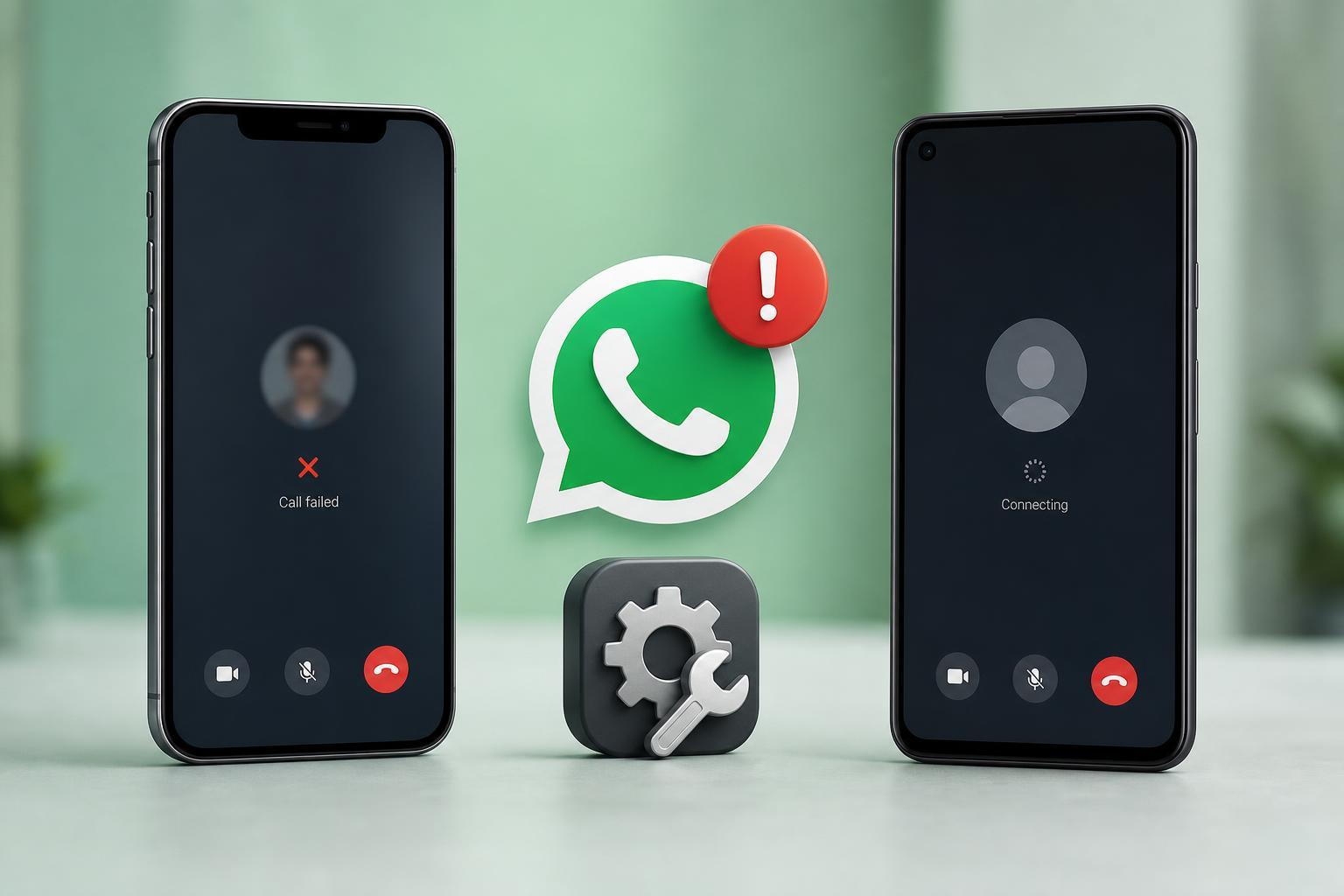
WhatsApp Video Call Not Working on iPhone or Android? 3 Fixes to Try
Learn three practical fixes for WhatsApp video calls that won’t work on iPhone or Android, including network checks, app permissions, and app updates.
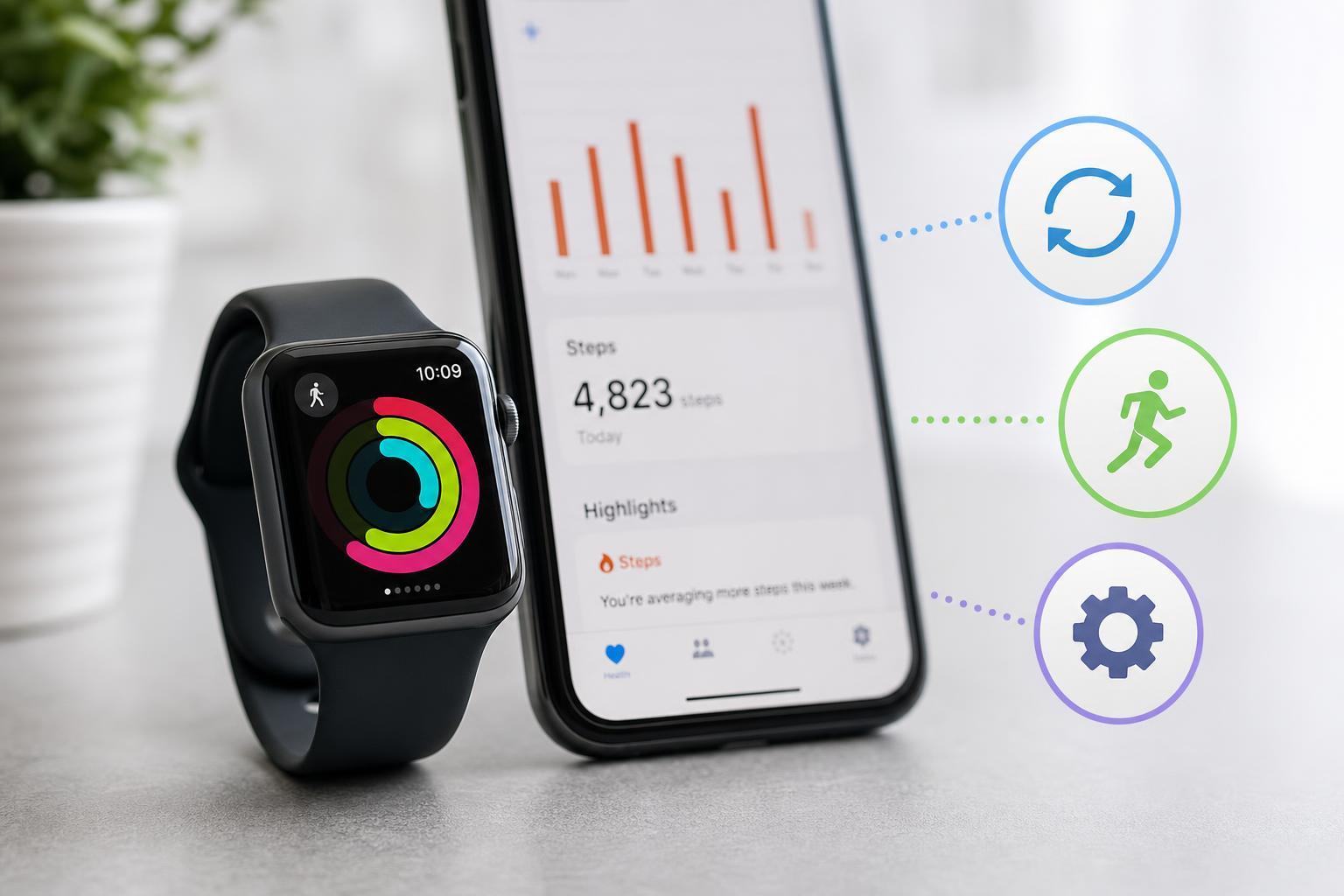
3 Practical Ways to Fix an Apple Watch That Isn’t Counting Steps Correctly
Learn how to troubleshoot an Apple Watch that is not tracking steps accurately, including movement calibration, settings checks, and sensor-related fixes.